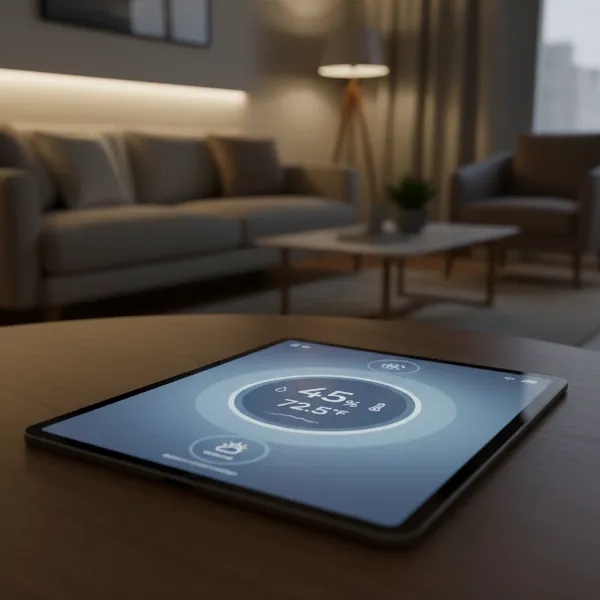
Maintaining optimal indoor humidity is more than just a comfort preference; it’s a critical factor influencing everything from your health to the longevity of your belongings. Whether you’re safeguarding precious musical instruments, nurturing exotic plants, preserving fine cigars, or simply aiming for a healthier home environment, a digital hygrometer is an indispensable tool. This comprehensive review will delve into the world of digital hygrometers, exploring their functionality, diverse types, top models, and essential considerations to help you choose the perfect device for your needs. Get ready to understand how to keep your space perfectly balanced.
What is a Digital Hygrometer? Why Do You Need One?
A digital hygrometer, also known as a humidity meter or humidity gauge, is an electronic device designed to measure the amount of water vapor in the atmosphere. Unlike older, mechanical models, digital hygrometers utilize electrical sensors to detect changes in electrical resistance across a semiconductor or sensor as the air’s moisture content fluctuates. This allows for quick, precise, and easy-to-read measurements displayed digitally. They often combine this functionality with a thermometer to provide both temperature and humidity readings, making them highly versatile instruments.
The importance of monitoring humidity cannot be overstated. High humidity can foster mold growth, which not only damages property but also poses significant health risks, exacerbating respiratory issues and allergies. Conversely, excessively low humidity can lead to dry skin, irritated sinuses, static electricity buildup, and can even damage wooden furniture, flooring, and sensitive electronics by causing materials to crack or warp. By providing accurate, real-time data, a digital hygrometer empowers you to take corrective action—whether that means using a humidifier or a dehumidifier—to maintain a healthy and stable environment. This proactive approach ensures comfort, protects valuables, and can even contribute to energy savings by optimizing HVAC system usage.
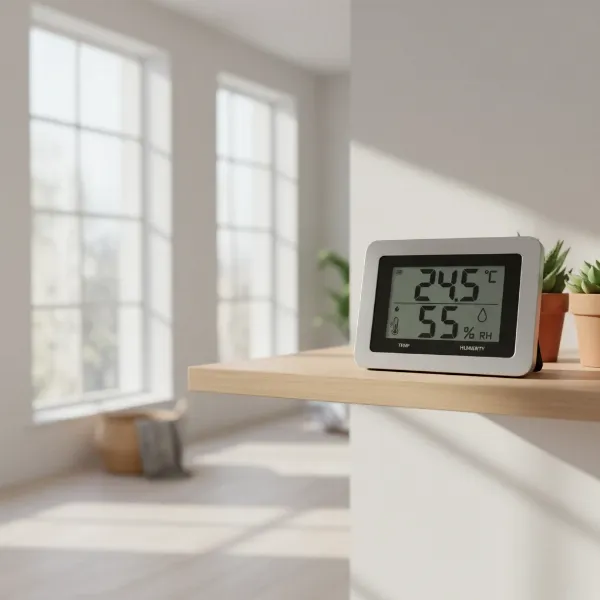 Digital hygrometer displaying temperature and humidity in a modern home living room
Common Types of Digital Hygrometers
While the core function of all digital hygrometers is the same, their design, features, and connectivity options vary significantly, catering to different user needs and environments.
Standard Digital Hygrometers (Desktop & Wall-Mounted)
|
Our Picks for the Best Digital hygrometer in 2026
As an Amazon Associate I earn from qualifying purchases.
|
||
| Num | Product | Action |
|---|---|---|
| 1 | Humidity Meter Indoor Thermometer 6-Pack Mini Digital Thermometer Hygrometer Indoor Temperature Humidity Meters Gauge LCD Display Fahrenheit (℉) for Greenhouse, Reptile Tank, Cellar, Closet |

|
| 2 | TempPro TP49 Digital Hygrometer Indoor Thermometer Humidity Meter Room Thermometer with Temperature and Humidity Monitor Mini Hygrometer Outdoor Thermometer (Previously ThermoPro) |
|
| 3 | TempPro TP50 2 Pieces Digital Hygrometer Indoor Thermometer Room Thermometer and Humidity Gauge with Temperature Humidity Monitor(Previously ThermoPro) |
|
| 4 | JEDEW 4 Pack Hygrometer Thermometer Digital Humidity Meter Indoor/Outdoor Humidity Monitor Reptile Thermo-Hygrometer for Greenhouse Humidors Terrarium Jars, Fahrenheit (℉) /Celsius(℃) (4) |
|
| 5 | JEDEW 2 Pack Hygrometer Thermometer Digital Humidity Meter Indoor/Outdoor Humidity Monitor Reptile Thermo-Hygrometer for Greenhouse Humidors Terrarium Jars, Fahrenheit (℉) /Celsius(℃) (2) |
|
| 6 | 6-Pack Mini Hygrometer Indoor Humidity Meter, Mini Digital Thermometer Humidity Gauge Meter, Indoor Thermometer Hygrometer Monitor Fahrenheit (℉) for Reptile Thermostat, Jars Reptile, Fridge |
|
| 7 | Mini Hygrometer Thermometer Digital Humidity Meter Indoor/Outdoor Humidity Monitor Reptile Thermometer for Greenhouse Garden Cellar Fahrenheit(℉)/ Celsius(℃) 2 Pack |
|
| 8 | TempPro TP50 Digital Hygrometer Indoor Thermometer Room Thermometer and Humidity Gauge with Temperature Humidity Monitor(Previously ThermoPro) |
|
| 9 | Govee Bluetooth Hygrometer Thermometer, Large LCD, Max/Min Records, 2-Year Data Storage - Black, 2 Pack |
|
| 10 | TempPro TP49 3 Pieces Digital Hygrometer Indoor Thermometer Humidity Meter Mini Hygrometer with Temperature and Humidity Monitor Outdoor and Room Thermometer Weather Station (Previously ThermoPro) |
|
These are the most common and often most affordable digital hygrometers. They typically feature a clear LCD display that shows current temperature and humidity readings. Many models include additional basic functions such as daily high and low records, and comfort level indicators (e.g., “DRY,” “COMFORT,” “WET”). Their versatility in mounting—with options like flat stands for tabletops, magnets for metal surfaces, and clips for shelves—makes them suitable for general indoor use in living rooms, bedrooms, or offices. These are excellent for those who need straightforward, at-a-glance monitoring without complex features.
Smart Digital Hygrometers (Bluetooth & Wi-Fi Enabled)
For users requiring more advanced monitoring capabilities, smart digital hygrometers offer remote access and data logging.
- Bluetooth-enabled models allow you to monitor readings via a smartphone app within a certain range (e.g., up to 196-325 feet). They are ideal for monitoring conditions in specific rooms, greenhouses, or cellars where you need to check data from a distance without physically being next to the device. Many also provide historical data charts and customizable alerts for high or low humidity/temperature.
- Wi-Fi-enabled models take connectivity a step further, allowing you to access readings from anywhere with an internet connection. These are particularly valuable for situations where continuous, off-site monitoring is crucial, such as protecting wine cellars, valuable art collections, or ensuring optimal conditions for pets while away from home. They often integrate with smart home systems and offer advanced data analysis and notification options.
Specialized Digital Hygrometers
Some digital hygrometers are designed with specific applications in mind, often incorporating features tailored to those environments.
- Cigar Humidor Hygrometers: These devices, like the Cigar Oasis Caliber IV, are built for precision and stability within enclosed humidors, often featuring pre-calibration and manual recalibration options, along with specialized displays for cigar-specific humidity ranges.
- Indoor/Outdoor Hygrometers: Equipped with an external sensor, these allow you to monitor conditions both inside and outside your home simultaneously, displaying both sets of data on a single indoor unit. The outdoor sensor is typically weather-resistant and may be rechargeable.
- No-Display Sensors: Some smart hygrometers are compact sensors without an onboard display, relying entirely on a smartphone app for all readings and data access. These are often water-resistant and suitable for discreet placement in challenging environments like terrariums or attics.
Comparison Table: Top Digital Hygrometers
Choosing the best digital hygrometer involves balancing accuracy, features, and budget. Here’s a comparison of some highly-rated models based on features commonly sought after by users:
| Feature | Govee H5051 Wi-Fi Indoor Hygrometer | ThermoPro TP55 Digital Hygrometer | SensorPush HT.w Smart Sensor | AcuRite Indoor Temperature and Humidity Monitor | SMARTRO SC42 Professional Digital Hygrometer |
|---|---|---|---|---|---|
| Connectivity | Wi-Fi & Bluetooth | None | Bluetooth (Wi-Fi via gateway) | None | None |
| Display | Digital LCD | Large Touchscreen with Backlight | None (App-only) | Digital LCD | Large LCD |
| Humidity Accuracy | ±3% RH | ±2-3% RH | ±2% RH | ±3-5% RH | Accurate readings |
| Temperature Accuracy | ±0.54°F | ±1°F | ±0.36°F | ±2°F | Precise readings |
| Key Features | Remote monitoring, 2-yr data log, alerts | 24hr/all-time high/low, trend, versatile mount | Water-resistant, unlimited data, alerts | 24hr high/low, comfort icon, versatile mount | Data logging, versatile mount, long battery |
| Mounting | Stand, Wall-mount | Stand, Wall-mount, Magnet | Magnetic | Stand, Clip, Magnet | Table, Wall, Magnet |
| Calibration | App-based | Cannot be calibrated | App-based | Cannot be calibrated | Manual calibration |
| Battery Life | Long-lasting (CR247) | AAA batteries | Long-lasting (CR247) | AA battery | Impressive battery life |
| Use Case | General home, remote needs | General home, easy readability | Precision, remote, challenging environments | Basic indoor plant/room monitoring | General indoor, data tracking |
“The versatility of modern digital hygrometers means there’s a device for every need, from basic room monitoring to precise environmental control for sensitive items. The key is to match features like accuracy, connectivity, and display type to your specific application.”
Digital Hygrometer Buying Guide
Selecting the right digital hygrometer involves a thoughtful evaluation of your personal requirements and the device’s capabilities. With numerous options available, focusing on key criteria will help you make an informed decision.
Determine Your Usage Needs
Before diving into features, consider where and how you intend to use the hygrometer:
- General Home Monitoring: For comfort in living areas or bedrooms, a basic model with a clear display and decent accuracy might suffice.
- Specific Areas: For environments like basements (mold prevention), attics, garages, or indoor gardens, consider features like remote monitoring, water resistance, or more robust data logging.
- Sensitive Items: If you’re protecting cigars, wine, musical instruments, or antique furniture, precision (high accuracy) and reliable alerts are paramount.
- Pets/Plants: Terrariums, greenhouses, or specific pet habitats require consistent monitoring, often benefiting from remote access and historical data.
Key Factors to Consider When Choosing
Once you’ve identified your primary use, evaluate these technical aspects:
- Accuracy and Resolution: The most crucial factor. Look for models with accuracy typically within ±2-3% Relative Humidity (RH) and ±0.5-1°F/°C for temperature. Some high-end models offer even greater precision, measuring to the tenth or hundredth of a percent. For most home uses, ±5% RH is generally acceptable.
- Display and Readability: Consider the screen size, clarity, and whether it has a backlight for low-light conditions. Large numbers are beneficial for quick glances. Touchscreens offer intuitive interaction.
- Connectivity and Smart Features:
- None: Basic, on-device readings only.
- Bluetooth: Connects to a smartphone app within range, offering data logging and alerts. Good for local remote monitoring.
- Wi-Fi: Connects to your home network, allowing remote monitoring from anywhere via an app. Essential for off-site vigilance.
- Data Logging: The ability to store historical data (daily, weekly, monthly, yearly) is invaluable for tracking trends and making informed adjustments.
- Alerts: Customizable notifications (app, email, text) when humidity or temperature falls outside preset ranges can prevent costly damage.
- Measurement Range: Ensure the device can accurately measure within the expected humidity and temperature ranges of your environment. Most cover standard indoor conditions.
- Response Time: How quickly the device updates its readings to reflect environmental changes. Faster response times are beneficial in dynamic settings.
- Power Source and Battery Life: Most digital hygrometers are battery-powered (AAA, AA, or CR247). Consider models with long battery life (6 months to over a year) or rechargeable options to minimize maintenance. Wi-Fi models might consume more power.
- Mounting Options: Flexibility in placement (kickstand, magnet, wall-mount) enhances usability.
- Calibration: The ability to manually or digitally calibrate the hygrometer helps maintain its accuracy over time. Some affordable models may lack this feature.
- Brand Reputation and Reviews: Research reputable brands known for quality and customer support. User reviews can offer insights into real-world performance and common issues.
Budget Considerations
Digital hygrometers vary widely in price. Basic models can be quite inexpensive, while smart, highly accurate, and specialized devices can cost significantly more. Determine your budget early, but remember that investing in a more accurate or feature-rich model can prevent future issues, potentially saving you money in the long run.
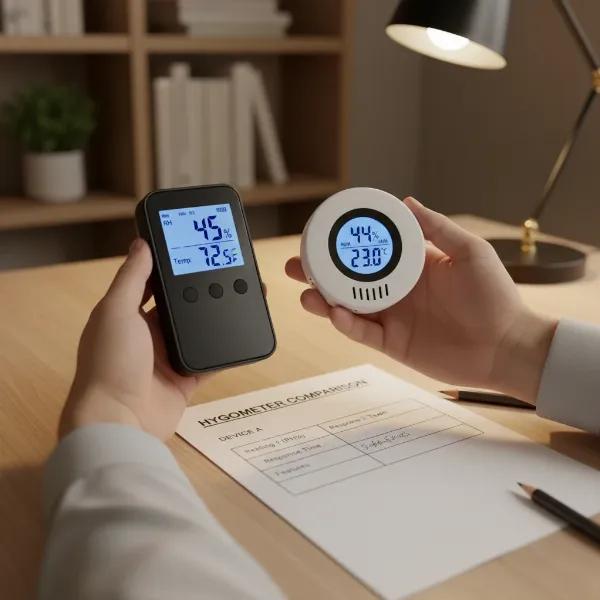 A person comparing different digital hygrometer models with a checklist, representing a buying decision
How to Use and Maintain Your Digital Hygrometer
Proper usage and maintenance are key to ensuring your digital hygrometer provides accurate readings and a long service life.
Correct Placement
The placement of your hygrometer significantly impacts its readings.
- Main Living Areas: For general home monitoring, place the device in a central living area, away from direct sunlight, drafts, heat sources (like vents or radiators), and sources of moisture (like humidifiers, bathrooms, or kitchens). These factors can skew readings.
- Specific Environments: For cigar humidors, terrariums, or wine cellars, place the hygrometer inside the enclosure, ensuring it has good airflow around it.
- Avoid Extremes: Keep the hygrometer away from extreme temperatures and humidity levels beyond its specified operating range, as this can damage the sensor or affect accuracy.
Understanding and Interpreting Readings
Most digital hygrometers display current temperature and relative humidity. Many also show daily high and low records for both, which can be useful for identifying significant fluctuations. Some offer comfort level indicators (e.g., a “smiley” face or “DRY/COMFORT/WET” labels) for quick assessment. Regularly checking these readings helps you understand the environmental trends in your space.
Calibration
Even the best hygrometers can drift over time, making periodic calibration essential for maintaining accuracy.
- Salt Test: A common and effective method for calibration is the “salt test.” Place the hygrometer, a bottle cap of table salt moistened with a few drops of water (creating a slurry), into an airtight container or zip-lock bag. After 6-8 hours, the humidity inside the container should stabilize at 75% RH. Compare your hygrometer’s reading to this benchmark.
- Adjustment:
- Digital Hygrometers with Calibration: Some models have physical adjustment knobs or buttons. Adjust the device until it reads 75% RH.
- Smart Hygrometers: Often, calibration can be done easily through their companion smartphone apps.
- Non-Calibratable Models: If your device can’t be calibrated, you’ll know how far off its readings are and can account for the discrepancy. If the error is significant, it might be time for a replacement.
Maintenance Tips
- Clean the Sensor: Gently clean the sensor periodically with a soft, dry cloth to remove dust or debris that could interfere with accurate readings. Avoid harsh chemicals or abrasive materials.
- Check Battery Life: Replace batteries as needed to ensure continuous and reliable operation. Many smart hygrometers provide low battery alerts.
- Protect from Damage: Handle your hygrometer carefully to prevent physical damage. If it’s not water-resistant, keep it away from direct moisture.
- Firmware Updates: For smart hygrometers, regularly check for and install firmware updates through the app, as these can improve performance and accuracy.
Common Issues and Troubleshooting
Even with proper care, digital hygrometers can occasionally encounter issues. Here are some common problems and how to address them:
Inaccurate or Inconsistent Readings
- Calibration Needed: This is the most frequent cause. Perform a salt test to check accuracy and recalibrate if your device allows it.
- Improper Placement: Ensure the hygrometer is not near heat sources, direct sunlight, drafts, or moisture. Move it to a more central, stable location.
- Blocked Sensor: Dust, debris, or even condensation on the sensor can interfere with readings. Gently clean the sensor.
- Aging Sensor: Over time, sensors can degrade. If calibration doesn’t help and the device is old, it might be reaching the end of its lifespan.
Connectivity Problems (for Smart Hygrometers)
- Out of Range: For Bluetooth devices, ensure your smartphone is within the specified range. For Wi-Fi devices, check your home network’s signal strength.
- App Glitches: Restart the app or your smartphone. Check if the app requires an update.
- Device Offline: For Wi-Fi models, check your router and internet connection. The hygrometer’s battery might be low, or it might need to be reconnected to the Wi-Fi network.
- Interference: Other electronic devices can sometimes interfere with wireless signals. Try moving the hygrometer or the interfering device.
Display Issues
- No Backlight (if applicable): Check battery levels or settings within the device or app. Some budget models simply don’t have backlights.
- Fading/Blank Display: This almost always indicates low or dead batteries. Replace them.
- Readability: If numbers are hard to read from a distance, consider a model with a larger display or backlight next time.
Short Battery Life
- High Usage: Constant Wi-Fi or Bluetooth communication, frequent data refreshing, and backlights can drain batteries faster.
- Old Batteries: Ensure you’re using fresh, quality batteries.
- Environmental Factors: Extreme temperatures can affect battery performance.
If troubleshooting steps don’t resolve the issue, consult the manufacturer’s manual or customer support.
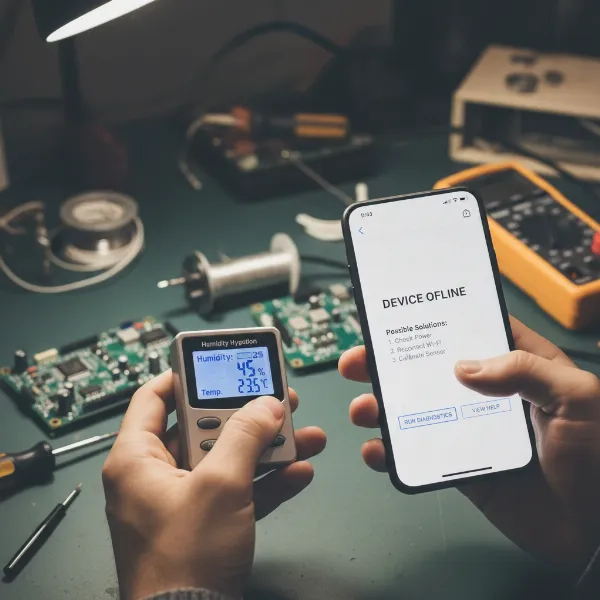 A person troubleshooting a digital hygrometer, holding it next to a smartphone displaying an app interface in a workshop setting
Conclusion
Digital hygrometers are invaluable tools for creating and maintaining optimal environmental conditions in your home, workplace, or specialized enclosures. From protecting your health by preventing mold and respiratory issues to safeguarding valuable possessions like cigars, wines, and wooden furnishings, these devices provide the essential data needed for informed action. When selecting a digital hygrometer, prioritize accuracy, consider your specific monitoring needs—whether simple at-a-glance readings or advanced remote connectivity and data logging—and always factor in aspects like display readability, battery life, and calibration capabilities. By understanding these nuances, you can confidently choose a device that not only meets your expectations but also ensures a healthier, more comfortable, and better-preserved environment.
What specific environmental challenge are you hoping a digital hygrometer will help you address?
Frequently Asked Questions
What is the healthiest humidity level for a home?
The ideal indoor relative humidity should typically be maintained between 30% and 50%. This range helps prevent issues like mold growth, dust mites, and discomfort from excessively dry or humid air, contributing to overall health and comfort.
Where should a home hygrometer be placed?
For the most accurate general readings, place your hygrometer in a main living area that experiences stable conditions. Avoid placing it near windows, external doors, air vents, or in kitchens and bathrooms, as these areas often have temporary and unrepresentative fluctuations in temperature and humidity.
How do you calibrate a digital hygrometer?
A common method is the salt test: place the hygrometer with a small amount of moist salt (slurry) in an airtight container for 6-8 hours. The humidity inside should reach 75% RH. If your hygrometer can be calibrated, adjust its reading to match this value using a physical knob or through a companion app.
How can I tell if my hygrometer is working correctly?
Besides calibration, you can perform a quick check by placing the hygrometer in an airtight container with a bottle cap of salt and a small amount of water. After several hours, observe if there’s a significant change in its reading, indicating it’s responding to environmental shifts.
Can a digital hygrometer adjust humidity levels?
No, a digital hygrometer’s primary function is to measure and display humidity levels. It does not actively adjust or regulate humidity. To change the humidity, you would need separate devices like a humidifier (to increase) or a dehumidifier (to decrease).
What is the difference between Bluetooth and Wi-Fi hygrometers?
Bluetooth hygrometers connect to your smartphone app within a limited range (e.g., 200-300 feet), suitable for monitoring nearby areas. Wi-Fi hygrometers connect to your home internet, allowing you to monitor conditions remotely from anywhere with an internet connection, even when you’re away from home.