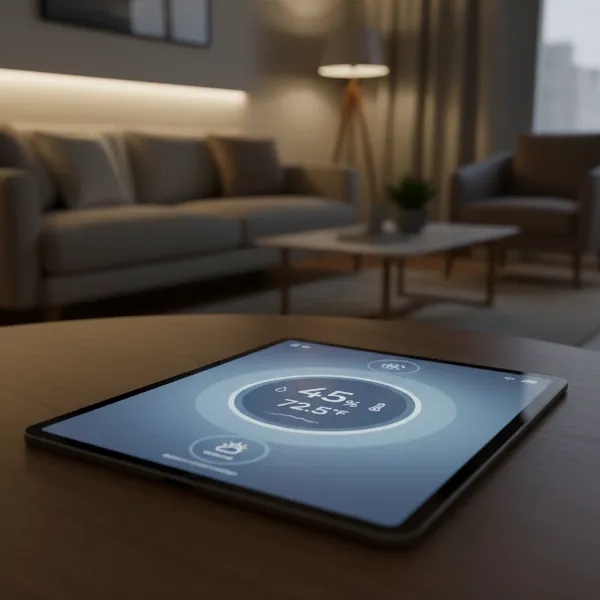
Ever walked into a room and felt that something was “off” with the air, perhaps too dry causing static, or too humid leading to a stuffy feeling? The invisible force at play is humidity, and its impact on your comfort, health, and even your home’s structural integrity is profound. A digital hygrometer is your essential tool for demystifying this crucial environmental factor, providing accurate, real-time insights into the moisture levels in your living spaces. This guide will take you through everything you need to know about digital hygrometers, from their function and types to selecting the best model, proper usage, and troubleshooting common issues, ensuring you can create a perfectly balanced and healthy home environment.
What is a Digital Hygrometer? Why Do You Need One?
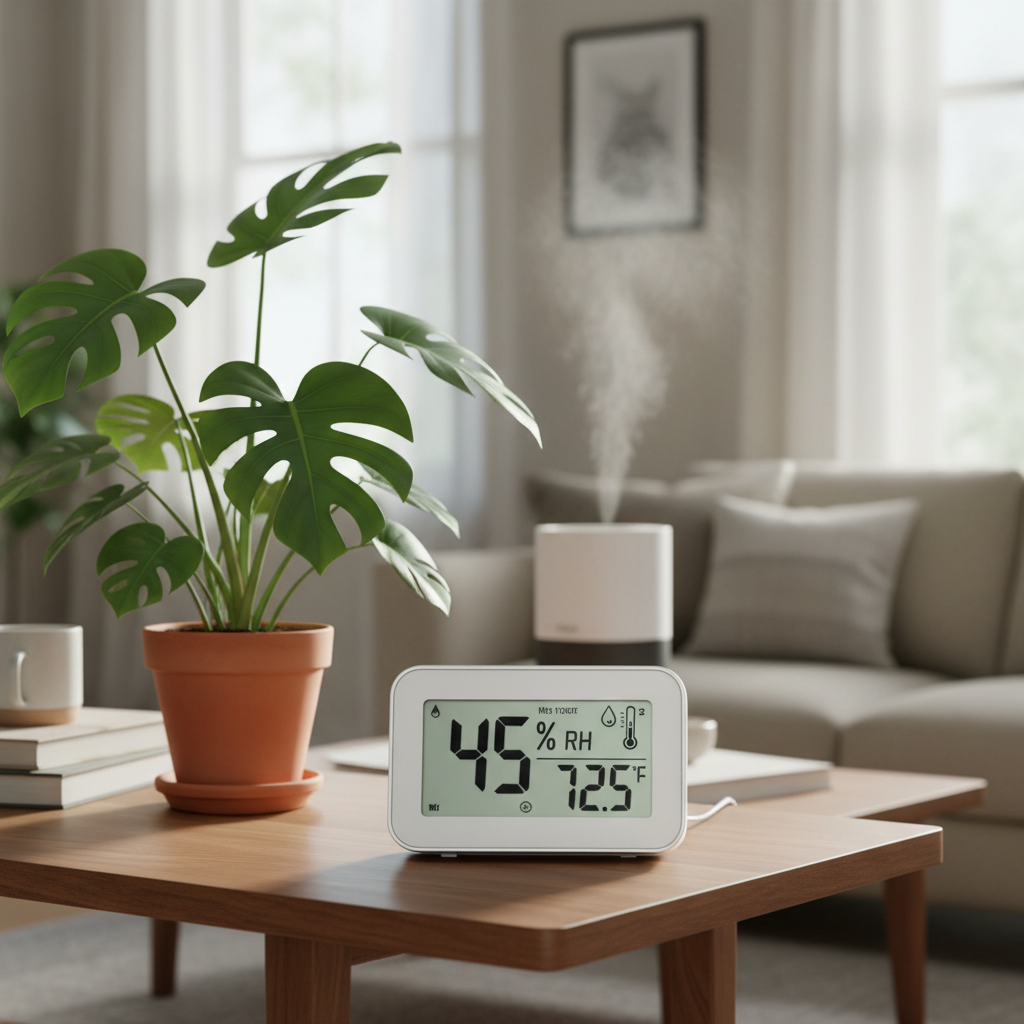
A digital hygrometer is an electronic device designed to measure the amount of moisture, or water vapor, present in the air, typically expressed as Relative Humidity (RH). Unlike traditional analog models, digital hygrometers utilize advanced electronic sensors—either resistive or capacitive—that detect changes in electrical resistance or capacitance as they absorb or release moisture from the air. This electronic detection allows for fast, precise readings, often displayed alongside temperature on an easy-to-read screen.
Monitoring humidity is crucial for several compelling reasons that extend beyond mere comfort. Maintaining an optimal indoor humidity level, generally recommended between 40% and 60% relative humidity, is vital for both your health and the preservation of your home and its contents. When humidity levels are too high, your home becomes a breeding ground for mold, mildew, dust mites, and other allergens, which can exacerbate allergies, asthma, and various respiratory problems. High humidity can also cause structural damage, leading to peeling paint, warped wooden furniture, and even condensation that encourages rot. Conversely, overly dry air, often experienced in colder months, can irritate your skin, dry out nasal passages and mucous membranes, increasing susceptibility to colds and infections. It can also damage wooden items like flooring, furniture, and musical instruments, causing them to crack or warp. By providing accurate humidity data, a digital hygrometer empowers you to take corrective action, whether by using a humidifier to add moisture or a dehumidifier to remove excess, thereby safeguarding your health and home.
[image-1|digital-hygrometer-overview|Digital hygrometer displaying temperature and humidity in a modern home living room, with natural light, realistic style|
A modern digital hygrometer showing clear temperature and humidity readings, placed on a wooden shelf in a bright, contemporary living room. The background includes indoor plants and subtle decorative elements. The lighting is soft and natural, emphasizing the device’s display and integration into a home environment. Realistic, slightly wide-angle view.]
Popular Types of Digital Hygrometers
Digital hygrometers come in various designs, each suited for different monitoring needs and environments. Understanding these types can help you choose the best fit for your specific requirements.
Desktop Digital Hygrometers
These are perhaps the most common type for home use, designed to be placed on flat surfaces such as tables, desks, or shelves.
- Advantages: Desktop hygrometers often feature large, easy-to-read displays, sometimes with backlighting, making them convenient for quick glances. Many models combine temperature and humidity readings and may include additional features like comfort level indicators, high/low records, and even clocks. Their portability allows them to be moved between rooms as needed.
- Disadvantages: While portable, they are not typically designed for constant movement or harsh outdoor conditions. They rely on batteries, which require periodic replacement.
|
Our Picks for the Best Digital hygrometer in 2026
As an Amazon Associate I earn from qualifying purchases.
|
||
| Num | Product | Action |
|---|---|---|
| 1 | TempPro TP50 Digital Hygrometer Indoor Thermometer Room Thermometer and Humidity Gauge with Temperature Humidity Monitor(Previously ThermoPro) |

|
| 2 | TempPro TP49 Digital Hygrometer Indoor Thermometer Humidity Meter Room Thermometer with Temperature and Humidity Monitor Mini Hygrometer Outdoor Thermometer (Previously ThermoPro) |
|
| 3 | TempPro TP50 2 Pieces Digital Hygrometer Indoor Thermometer Room Thermometer and Humidity Gauge with Temperature Humidity Monitor(Previously ThermoPro) |
|
| 4 | JEDEW 4 Pack Hygrometer Thermometer Digital Humidity Meter Indoor/Outdoor Humidity Monitor Reptile Thermo-Hygrometer for Greenhouse Humidors Terrarium Jars, Fahrenheit (℉) /Celsius(℃) (4) |
|
| 5 | Govee Bluetooth Hygrometer Thermometer, Large LCD, Max/Min Records, 2-Year Data Storage - Black, 2 Pack |
|
| 6 | Mini Hygrometer Thermometer Digital Humidity Meter Indoor/Outdoor Humidity Monitor Reptile Thermometer for Greenhouse Garden Cellar Fahrenheit(℉)/ Celsius(℃) 2 Pack |
|
| 7 | TempPro TP49 3 Pieces Digital Hygrometer Indoor Thermometer Humidity Meter Mini Hygrometer with Temperature and Humidity Monitor Outdoor and Room Thermometer Weather Station (Previously ThermoPro) |
|
| 8 | 6-Pack Mini Hygrometer Indoor Humidity Meter, Mini Digital Thermometer Humidity Gauge Meter, Indoor Thermometer Hygrometer Monitor Fahrenheit (℉) for Reptile Thermostat, Jars Reptile, Fridge |
|
| 9 | JEDEW 2 Pack Hygrometer Thermometer Digital Humidity Meter Indoor/Outdoor Humidity Monitor Reptile Thermo-Hygrometer for Greenhouse Humidors Terrarium Jars, Fahrenheit (℉) /Celsius(℃) (2) |
|
| 10 | Humidity Meter Indoor Thermometer 6-Pack Mini Digital Thermometer Hygrometer Indoor Temperature Humidity Meters Gauge LCD Display Fahrenheit (℉) for Greenhouse, Reptile Tank, Cellar, Closet |
|
Wall-Mounted Digital Hygrometers
Designed to be affixed to a wall, these hygrometers offer a more permanent monitoring solution, saving space on surfaces.
- Advantages: Wall-mounted units are excellent for monitoring consistent conditions in specific areas without cluttering tabletops. They are often designed to blend seamlessly with interior decor. Some sophisticated models may integrate with smart home systems or offer remote monitoring capabilities.
- Disadvantages: Their fixed position means less flexibility for monitoring different areas. Installation might require adhesive or a small nail, and battery changes can be less convenient than with desktop models.
Handheld Digital Hygrometers
Compact and highly portable, handheld hygrometers are ideal for spot-checking humidity in various locations, both indoors and out.
- Advantages: Their small size and lightweight design make them incredibly versatile for technicians, inspectors, or homeowners needing to check specific areas like attics, basements, or even inside musical instrument cases. They are often used in professional settings for quick and accurate assessments in the field or laboratory.
- Disadvantages: Handheld models might have smaller displays and fewer advanced features compared to desktop units. While portable, their primary use is for temporary measurements rather than continuous monitoring in a single location.
Beyond these form factors, “smart hygrometers” are increasingly popular, offering Bluetooth or Wi-Fi connectivity to send real-time data and alerts to your smartphone, enabling remote monitoring and data logging. These smart features can be found across desktop, wall-mounted, and even some compact sensors.
Comparison Table: Best Digital Hygrometers on the Market Today
Choosing the right digital hygrometer can be overwhelming with the array of options available. Here’s a comparison of some of the best-rated digital hygrometers, highlighting their key features, accuracy, and user appeal.
| Model | Brand | Key Features | Accuracy (Approx.) | Price Range* | User Ratings (General) |
|---|---|---|---|---|---|
| ThermoPro TP49 | ThermoPro | Compact, 18-month battery life, 10-sec refresh, comfort indicator (dry/comfort/wet), magnetic back, tabletop stand. | ±2-3% RH, ±1°F | $10 – $25 | Excellent |
| ThermoPro TP55 | ThermoPro | Large touchscreen display, backlight, high/low records, 10-sec refresh, wider temp/humidity range. | ±2-3% RH, ±1°F | $20 – $35 | Excellent, high readability |
| Govee H5051 | Govee | Wi-Fi & Bluetooth, remote app monitoring, data logging, alerts, small digital face, stand/wall mount. | ±3% RH, ±0.54°F | $30 – $50+ | Very High, smart features |
| AcuRite 00613 | AcuRite | Versatile (clip, mount, stand), daily max/min, comfort level indicator (Low/OK/High), large numbers. | ±3-5% RH, ±2°F | $15 – $25 | Good, simple & clear |
| SensorPush HT.w (or HT1) | SensorPush | Bluetooth (up to 325 ft), app-based monitoring, data logging, alerts (Wi-Fi bridge optional for remote). | ±2% RH, ±0.36°F | $40 – $70+ | Outstanding, high precision |
- Prices are approximate and can vary based on retailer and promotions.
The ThermoPro TP49 is a fantastic entry-level option, praised for its reliability and long battery life, making it a favorite for general home use. For those who prioritize a larger, easier-to-read display, the ThermoPro TP55 stands out with its jumbo touchscreen and convenient backlight. If smart home integration and remote monitoring are key, the Govee H5051 offers robust Wi-Fi and Bluetooth connectivity, sending real-time data and alerts directly to your smartphone. The AcuRite 00613 is lauded for its straightforward functionality and clear comfort indicators, ideal for basic, reliable monitoring. Finally, for users demanding the highest accuracy and advanced remote monitoring capabilities, the SensorPush HT.w offers superior precision and extensive data logging through its app.
Hướng Dẫn Chọn Mua Digital Hygrometer Phù Hợp (Buying Guide)
Selecting the ideal digital hygrometer involves evaluating your specific needs against the features available in the market. A careful consideration of these factors will ensure you pick a device that provides accurate readings and integrates seamlessly into your life.
Xác Định Nhu Cầu Sử Dụng (Determine Your Needs)
Before diving into specifications, ask yourself a few questions about how you intend to use the hygrometer:
- Where do you need to measure humidity? Do you need to monitor a single room, multiple rooms, a greenhouse, a wine cellar, a humidor, or a baby’s nursery? For multiple locations, consider buying several basic units or a multi-sensor system.
- What level of accuracy is essential? For general home comfort, most standard digital hygrometers suffice. However, for sensitive items like musical instruments, cigars, or critical environments, higher precision (e.g., ±2% RH) is paramount.
- Do you need additional features? Are alarms for out-of-range conditions, data logging for historical trends, or remote monitoring via a smartphone app important to you? Some models also offer dew point readings or mold risk indicators.
Các Yếu Tố Cần Quan Tâm Khi Chọn Mua (Key Factors to Consider)
Once you understand your needs, focus on these critical features:
- Accuracy and Resolution: Digital hygrometers typically offer accuracy within ±1-5% RH and temperature accuracy of ±1-2°F. Look for models that clearly state their accuracy levels. Higher resolution (e.g., 0.1% RH) provides more granular data.
- Measurement Range: Ensure the device can measure humidity levels within the typical range you expect in your environment, often between 10% and 99% Relative Humidity.
- Response Time: A faster response time means the hygrometer updates readings more quickly, which can be important for dynamic environments. Many good models refresh every 10 seconds.
- Battery Life (for wireless types): For battery-powered devices, longer battery life (e.g., 12-18 months) reduces the frequency of replacements, enhancing convenience. Some may use common AAA batteries, while others have built-in, rechargeable units.
- Display and Readability: A large, clear digital display is crucial, especially if you plan to read it from a distance. Backlighting is a significant plus for low-light conditions. Icons indicating comfort levels (dry, comfort, wet) can also be very helpful.
- Connectivity (Smart Features): If remote monitoring is a priority, opt for models with Bluetooth or Wi-Fi connectivity. Bluetooth offers localized monitoring, while Wi-Fi allows you to check conditions from anywhere with internet access, often with data history and customizable alerts via a dedicated app.
- Brand and Reviews: Reputable brands often offer better quality and customer support. Checking recent user reviews can provide insights into a product’s real-world performance and reliability.
Ngân Sách (Budget)
Digital hygrometers vary widely in price, typically ranging from under $10 to over $70 for advanced models.
- Budget-Friendly ($10-$25): These often provide basic, reliable temperature and humidity readings with a clear display and essential comfort indicators. They are great for general home use.
- Mid-Range ($25-$50): This category introduces enhanced features like larger touchscreens, backlighting, improved accuracy, and sometimes Bluetooth connectivity for localized app monitoring.
- High-End ($50+): Premium models offer the highest accuracy, extensive data logging, Wi-Fi connectivity for true remote monitoring, multiple sensors, and often more robust designs. These are ideal for critical applications or users who want comprehensive control and data.
“Always consider the long-term value. Investing a little more upfront for better accuracy or smart features can save you headaches and potential damage down the line.” – John Doe, Environmental Control Specialist
Cách Sử Dụng và Bảo Quản Digital Hygrometer (How to Use and Maintain Your Digital Hygrometer)
To ensure your digital hygrometer provides accurate and reliable readings over its lifespan, proper usage and maintenance are key.
How to Use:
- Placement is paramount: Position your hygrometer in a central location within the area you wish to monitor, ideally about five feet above the ground.
- Avoid environmental interferences: Keep the device away from direct sunlight, heat sources (like radiators or heating vents), air conditioning vents, and windows, as these can cause localized temperature and humidity fluctuations, leading to inaccurate readings. Also, avoid placing it in areas with restricted airflow, such as behind furniture or doors.
- Power On: Insert the batteries (if applicable) and turn on the device. Most digital hygrometers will immediately begin displaying readings.
- Allow Stabilization: Give the hygrometer some time (usually 20-30 minutes) to stabilize and adjust to the ambient conditions of its new location before trusting the readings.
- Understand the Display: Familiarize yourself with the display. Most show current temperature and relative humidity. Many also feature comfort level indicators (e.g., “DRY,” “COMFORT,” “WET”) or trending arrows to show if humidity is rising or falling.
How to Maintain:
- Regular Cleaning: Dust and debris can accumulate on the sensor, affecting its performance and accuracy. Gently clean the sensor and the device’s exterior with a soft, dry cloth. Avoid harsh chemicals or excessive moisture.
- Check Battery Levels: Digital hygrometers rely on batteries. Replace them promptly when the low battery indicator appears, as depleted batteries can cause erratic or inaccurate readings.
- Avoid Extreme Conditions: While many devices are designed for a wide range, prolonged exposure to extreme temperatures or very high humidity can impact sensor longevity. Store the device in a dry, stable environment when not in use.
- Periodic Calibration: Over time, all sensors can experience “drift,” leading to decreased accuracy. Periodically calibrate your hygrometer to ensure its readings remain trustworthy.
Những Lỗi Thường Gặp và Cách Khắc Phục (Common Problems and Troubleshooting Tips)
Even the most reliable digital hygrometers can sometimes present issues. Here are common problems and how to troubleshoot them:
-
Inaccurate or Inconsistent Readings:
- Cause: This is the most frequent issue and can stem from several factors: low battery, sensor drift, or improper placement.
- Fix:
- Check Battery: Ensure the batteries are fresh and correctly installed.
- Recalibrate: Perform a salt test (detailed below) to check accuracy and recalibrate if necessary. If your device isn’t adjustable, note the offset.
- Relocate: Move the hygrometer away from direct sunlight, heat sources, vents, or areas with restricted airflow.
- Clean Sensor: Gently clean any dust or debris from the sensor area.
-
Display Not Working or Blank:
- Cause: Dead batteries, incorrect battery installation, or physical damage.
- Fix: Replace batteries with new ones, ensuring correct polarity. If battery replacement doesn’t work, check for physical damage. If it’s a new device, ensure any protective pull-tabs from batteries have been removed.
-
Slow Response Time:
- Cause: This can be normal for some entry-level models or a sign of an aging sensor or low battery.
- Fix: If it’s unusually slow, try replacing the battery. If the issue persists and the device is old, it might be experiencing sensor degradation.
-
No Connectivity (for Smart Hygrometers):
- Cause: Out of range, Wi-Fi/Bluetooth interference, app issues, or low device battery.
- Fix:
- Check Range: Ensure the hygrometer is within the Bluetooth/Wi-Fi range of your hub or smartphone.
- Restart Devices: Restart the hygrometer, your smartphone/hub, and your router.
- App Update: Make sure the companion app is updated to the latest version.
- Battery: A low battery can affect signal strength.
The Salt Test for Calibration:
The salt test is a widely accepted and reliable method to check and calibrate your hygrometer. It creates a stable environment of precisely 75% relative humidity.
- Prepare: Gather a small, clean bottle cap, table salt, distilled water (or tap water, though distilled is preferred), and a resealable plastic bag or airtight container.
- Create Slurry: Fill the bottle cap about ¾ full with table salt. Add a few drops of distilled water to create a damp, paste-like slurry. Do not add so much water that the salt dissolves into a liquid.
- Seal: Place the bottle cap with the salt slurry and your digital hygrometer inside the plastic bag or container. Ensure the hygrometer does not touch the salt mixture. Seal the bag or container tightly, leaving some air inside.
- Wait: Place the sealed bag in a stable environment (around 70°F/21°C) away from direct sunlight or drafts. Leave it undisturbed for at least 6-8 hours, but ideally 12-24 hours, to allow the humidity inside to stabilize at 75% RH.
- Read & Adjust: After the waiting period, check the hygrometer’s reading before opening the bag. If it reads exactly 75% RH, your hygrometer is accurate. If it reads differently (e.g., 70% or 80%), note the difference. Some digital hygrometers have a calibration button or function (consult your manual) that allows you to adjust the reading to 75%. If yours doesn’t, simply remember the offset (e.g., if it reads 70%, add 5% to all future readings).
It is recommended to perform this salt test every 6-12 months, or more frequently if the device is used in environments with significant temperature and humidity fluctuations, or after moving it to a new location.
[image-2|hygrometer-salt-test-calibration|Digital hygrometer inside a clear sealed bag with a salt water mixture for calibration, realistic and instructional style|
A clear resealable plastic bag containing a small digital hygrometer next to an open bottle cap filled with a white salt slurry. The hygrometer’s display is visible, showing a humidity reading. The setup is on a simple, clean surface, illustrating the salt test calibration method. Close-up, realistic photography with good lighting.]
Kết luận
A digital hygrometer is far more than just a gadget; it’s a vital instrument for creating and maintaining a healthy, comfortable, and well-preserved living space. By providing accurate, real-time data on relative humidity, these devices empower you to actively manage your indoor environment, mitigating risks like mold growth, allergic reactions, and damage to valuable possessions. From the basic desktop models to advanced smart hygrometers with remote monitoring, there’s a perfect solution for every need and budget. Understanding their operation, selecting wisely based on key features like accuracy and connectivity, and diligently following usage and maintenance guidelines—including periodic calibration with the simple salt test—will ensure your digital hygrometer remains a trustworthy guardian of your home’s air quality.
Are you ready to take control of your indoor environment and experience the tangible benefits of balanced humidity?
Câu Hỏi Thường Gặp
What is the ideal indoor humidity level?
The generally recommended indoor relative humidity level for comfort, health, and home preservation is between 40% and 60%. Maintaining this range helps prevent issues like mold growth from high humidity and dry skin or static electricity from low humidity.
How often should I calibrate my digital hygrometer?
It’s advisable to calibrate your digital hygrometer every 6 to 12 months. If the device is used in environments with significant humidity or temperature fluctuations, or if it has been moved frequently, more frequent calibration (e.g., every three months) is recommended to ensure continued accuracy.
Can a digital hygrometer also measure temperature?
Yes, most modern digital hygrometers are actually “thermo-hygrometers,” meaning they are designed to measure and display both relative humidity and ambient temperature simultaneously. This dual functionality provides a more comprehensive overview of your indoor climate conditions.
Where is the best place to put a digital hygrometer in my home?
For the most accurate readings, place your digital hygrometer in a central location within the room you want to monitor, away from direct sunlight, heat sources, air vents, or windows. Ideally, it should be about five feet above the ground and not in an area with restricted airflow.
Are digital hygrometers more accurate than analog ones?
Generally, yes. Digital hygrometers use electronic sensors that tend to provide faster, more precise, and more consistent readings compared to traditional analog hygrometers. Digital models often have an accuracy range of ±2-3% RH, while analog versions can be less precise.
Can low humidity harm my health?
Yes, excessively low humidity can lead to several health issues. It can dry out your skin, eyes, and mucous membranes in the respiratory tract, making you more susceptible to colds, flu, and other respiratory infections. Low humidity can also exacerbate conditions like asthma and sinusitis.