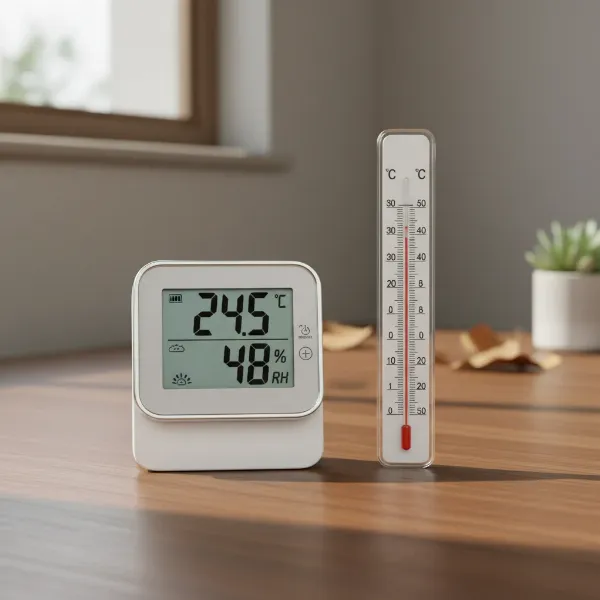
In today’s fast-paced work environment, maintaining a comfortable and healthy office space is paramount for both well-being and productivity. While temperature is often the focus, humidity plays an equally critical role in creating an optimal atmosphere. Too much or too little moisture in the air can impact everything from your health and comfort to the longevity of office equipment and plants. A digital hygrometer offers a simple yet powerful solution, providing precise, real-time measurements of your workspace’s humidity levels. This comprehensive guide will delve into why a digital hygrometer is an essential tool for any office, explore the best options available, and help you select the perfect device to ensure a consistently pleasant and efficient working environment.
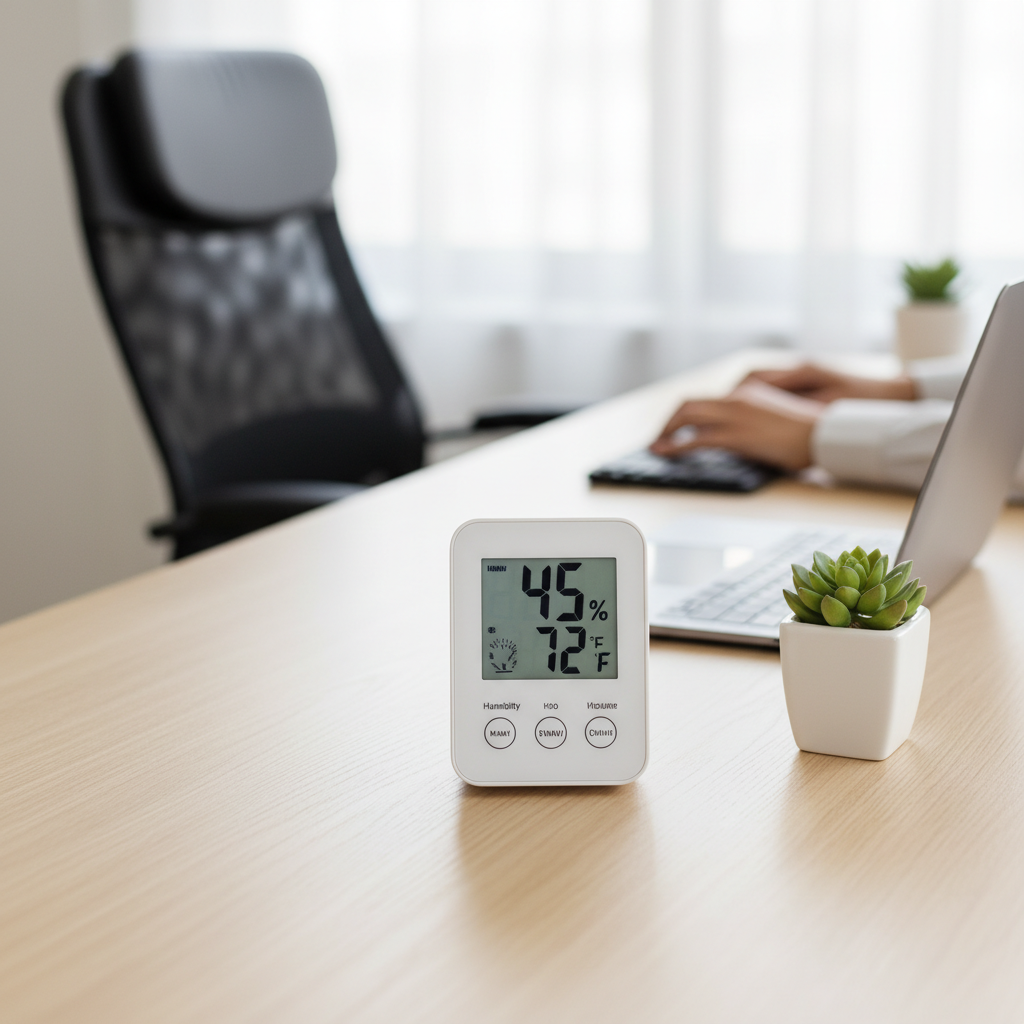
What is a Digital Hygrometer? Why You Need One in Your Office?
A digital hygrometer is an electronic device designed to measure the amount of water vapor, or humidity, in the air. Unlike traditional analog hygrometers, digital models provide precise readings on an easy-to-read screen, often displaying both relative humidity (RH) and temperature simultaneously. These devices typically use a sensor that detects changes in electrical resistance or capacitance due to moisture absorption, converting these changes into a numerical humidity value.
Having a digital hygrometer in your office is crucial for several reasons. Optimal indoor humidity typically ranges between 30% and 50% RH. Deviations from this range can lead to various issues. Low humidity can cause dry skin, irritated sinuses, static electricity, and can even damage wooden furniture, electronic equipment, and paper documents. Conversely, high humidity can foster mold and mildew growth, trigger allergies, make the air feel heavy and uncomfortable, and potentially harm sensitive electronics. By actively monitoring your office’s humidity with a digital hygrometer, you gain the knowledge needed to adjust your environment, whether through humidifiers, dehumidifiers, or improved ventilation, thereby safeguarding your health, comfort, and valuable office assets.
Types of Digital Hygrometers for Office Use
Digital hygrometers come in various forms, each offering distinct advantages depending on your specific office needs and setup. Understanding these types will help you determine which model best fits your workspace.
Desktop Digital Hygrometers
Desktop digital hygrometers are perhaps the most common type found in office settings. These devices are designed to sit on your desk, shelf, or any flat surface.
- Pros: They typically feature large, clear displays that are easy to read at a glance. Many models integrate additional features such as temperature readings, time, date, and even comfort level indicators. Their stable base often allows for versatile placement without permanent installation.
- Cons: While convenient for personal monitoring, they are generally less portable than handheld units and are limited to monitoring the immediate area where they are placed.
|
Our Picks for the Best Digital hygrometer in 2026
As an Amazon Associate I earn from qualifying purchases.
|
||
| Num | Product | Action |
|---|---|---|
| 1 | TempPro TP49 3 Pieces Digital Hygrometer Indoor Thermometer Humidity Meter Mini Hygrometer with Temperature and Humidity Monitor Outdoor and Room Thermometer Weather Station (Previously ThermoPro) |

|
| 2 | Mini Hygrometer Thermometer Digital Humidity Meter Indoor/Outdoor Humidity Monitor Reptile Thermometer for Greenhouse Garden Cellar Fahrenheit(℉)/ Celsius(℃) 2 Pack |
|
| 3 | JEDEW 4 Pack Hygrometer Thermometer Digital Humidity Meter Indoor/Outdoor Humidity Monitor Reptile Thermo-Hygrometer for Greenhouse Humidors Terrarium Jars, Fahrenheit (℉) /Celsius(℃) (4) |
|
| 4 | JEDEW 2 Pack Hygrometer Thermometer Digital Humidity Meter Indoor/Outdoor Humidity Monitor Reptile Thermo-Hygrometer for Greenhouse Humidors Terrarium Jars, Fahrenheit (℉) /Celsius(℃) (2) |
|
| 5 | Govee Bluetooth Hygrometer Thermometer, Large LCD, Max/Min Records, 2-Year Data Storage - Black, 2 Pack |
|
| 6 | TempPro TP49 Digital Hygrometer Indoor Thermometer Humidity Meter Room Thermometer with Temperature and Humidity Monitor Mini Hygrometer Outdoor Thermometer (Previously ThermoPro) |
|
| 7 | Humidity Meter Indoor Thermometer 6-Pack Mini Digital Thermometer Hygrometer Indoor Temperature Humidity Meters Gauge LCD Display Fahrenheit (℉) for Greenhouse, Reptile Tank, Cellar, Closet |
|
| 8 | TempPro TP50 Digital Hygrometer Indoor Thermometer Room Thermometer and Humidity Gauge with Temperature Humidity Monitor(Previously ThermoPro) |
|
| 9 | TempPro TP50 2 Pieces Digital Hygrometer Indoor Thermometer Room Thermometer and Humidity Gauge with Temperature Humidity Monitor(Previously ThermoPro) |
|
| 10 | 6-Pack Mini Hygrometer Indoor Humidity Meter, Mini Digital Thermometer Humidity Gauge Meter, Indoor Thermometer Hygrometer Monitor Fahrenheit (℉) for Reptile Thermostat, Jars Reptile, Fridge |
|
Wall-Mountable Digital Hygrometers
Wall-mountable hygrometers are designed to be affixed to a wall, offering a more permanent and space-saving monitoring solution.
- Pros: By being mounted on a wall, they free up desk space and can provide readings for a larger area of the office. Their elevated position can also make them easier to observe from various points in the room. Some come with magnetic backs or keyhole hangers for easy installation.
- Cons: Once mounted, their placement is fixed, offering less flexibility if you wish to monitor different spots throughout the day. Installation might require a small amount of effort.
Smart/Wireless Digital Hygrometers
Smart or wireless digital hygrometers represent the cutting edge in environmental monitoring, leveraging connectivity to provide advanced features.
- Pros: These devices often connect via Bluetooth or Wi-Fi to a smartphone app, allowing for remote monitoring of temperature and humidity from anywhere. Many offer data logging capabilities, providing historical trends, and can send alerts if conditions fall outside predefined ranges. This is particularly useful for monitoring server rooms, sensitive storage areas, or even just keeping an eye on your office environment from home.
- Cons: They tend to be more expensive than basic models and rely on wireless connectivity, which can be a point of failure. Setting up the app and ensuring stable connection may require initial effort.
Comparison Table: Top Digital Hygrometers for Office Workspaces
Selecting the right digital hygrometer can be challenging with the array of options available. Here’s a comparison of some highly-rated models that are well-suited for office environments, considering their features, accuracy, and user feedback.
| Brand/Model | Key Features | Connectivity | Accuracy (Temp/RH) | Mounting Options | Approximate Price Range | User Rating (out of 5) |
|---|---|---|---|---|---|---|
| ThermoPro TP49 | Compact, large LCD, comfort level indicator, fast refresh rate | None | ±0.5°F / ±2-3% RH | Magnet, Kickstand | $10 – $15 | 4.6 |
| AcuRite 00613 | Versatile placement, humidity level icon, min/max records, 24hr data | None | ±1°F / ±5% RH | Magnet, Kickstand, Clip, Keyhole | $12 – $18 | 4.5 |
| SMARTRO SC42 | Large display, high accuracy, trend arrows, backlight | None | ±0.5°F / ±2% RH | Magnet, Kickstand, Wall Mount | $15 – $25 | 4.7 |
| Govee H5179 (Bluetooth) | Real-time alerts, data logging, app control, multiple sensors support | Bluetooth | ±0.54°F / ±3% RH | Wall Mount, Adhesive | $20 – $35 | 4.4 |
| ThermoPro TP359 | Swiss-made sensor, high accuracy, long range Bluetooth, app alerts | Bluetooth | ±0.5°F / ±2% RH | Magnet, Kickstand, Wall Mount | $30 – $45 | 4.6 |
| SensorPush HT1 | Easy setup, durable, long battery life, excellent Bluetooth range, data logging | Bluetooth | ±0.7°F / ±3% RH | Wall Mount, Adhesive | $45 – $60 | 4.5 |
| Temp Stick (Wi-Fi) | Remote monitoring, email/text alerts, unlimited data storage, multi-sensor | Wi-Fi | ±0.72°F / ±4% RH | Wall Mount, Adhesive | $120 – $150 | 4.3 |
Note: Prices are approximate and may vary based on retailer and promotions.
Hướng Dẫn Chọn Mua Digital Hygrometer Phù Hợp (Buying Guide)
Choosing the best digital hygrometer for your office involves considering several factors beyond just temperature and humidity readings. A thoughtful selection ensures the device meets your specific environmental monitoring needs and integrates seamlessly into your workspace.
Xác Định Nhu Cầu Sử Dụng (Determine Your Office Needs)
Before looking at specific models, clarify what you need the hygrometer for:
- Where will it be placed? A personal desk might benefit from a compact desktop unit, while a large open-plan office could use multiple sensors or a wall-mounted model. For server rooms or storage areas, remote monitoring with alerts is critical.
- What level of accuracy is essential? For general comfort, a standard accuracy is fine. However, for sensitive equipment, plants, or specific health conditions, higher precision (e.g., ±2% RH) is advisable.
- Do you need supplemental features? Consider if you require features like trend indicators, min/max records, backlights for low-light conditions, or smart alerts delivered via an app. If you’re managing office plants, you might want to track humidity more closely.
- How important is aesthetics? Some offices prefer discreet devices, while others might appreciate a larger, more prominent display.
Các Yếu Tố Cần Quan Tâm Khi Chọn Mua (Key Factors to Consider When Buying)
Once you understand your needs, evaluate these technical aspects:
- Accuracy and Resolution: Look for devices with an accuracy range of ±2-3% RH for humidity and ±0.5-1°F for temperature. Resolution refers to the smallest change the device can detect (e.g., 0.1% RH). High accuracy ensures reliable readings, while good resolution helps detect subtle environmental shifts.
- Measurement Range: Ensure the device can accurately measure within the typical temperature and humidity ranges expected in your office, as well as any extreme conditions it might encounter (e.g., in a server room).
- Response Time: A faster response time means the device updates readings more quickly, which is useful if you’re making immediate adjustments to your environment. Many good models refresh every 10-30 seconds.
- Display Readability and Backlight: A large, clear LCD screen is essential for easy viewing. A backlight is a significant advantage in dimly lit offices or for checking readings early in the morning or late at night.
- Connectivity and App Integration: For advanced monitoring, consider Bluetooth or Wi-Fi models. Bluetooth devices offer local app monitoring and data logging, while Wi-Fi allows for true remote access from anywhere. Check app reviews for ease of use and reliability.
- Mounting and Portability: Evaluate the available mounting options (kickstand, magnet, wall mount) and consider if you need a device that can be easily moved to different locations.
- Battery Life: For wireless models, a long battery life (several months to a year or more) reduces maintenance hassle. Check the type of batteries required.
- Brand Reputation and Reviews: Opt for reputable brands known for quality and customer support. Read user reviews to identify common issues or standout features.
Ngân Sách (Budget Considerations)
Digital hygrometers vary significantly in price, generally falling into three categories:
- Entry-Level ($10-$20): These are basic units offering accurate temperature and humidity readings, often with min/max records and simple displays. Ideal for general office monitoring without advanced features.
- Mid-Range ($20-$40): This segment includes devices with larger, sometimes backlit displays, enhanced accuracy, and often Bluetooth connectivity for app monitoring and data logging. They offer a good balance of features and value.
- Premium ($40+): These high-end models typically feature Wi-Fi connectivity for remote monitoring, multiple sensors, advanced alert systems, and robust data analytics. They are best suited for critical environments or users requiring comprehensive environmental control.
Cách Sử Dụng và Bảo Quản Digital Hygrometer (How to Use and Maintain Your Digital Hygrometer)
Proper usage and maintenance are key to ensuring your digital hygrometer provides accurate readings and lasts for years in your office.
To get the most out of your device, proper placement is crucial. Place your digital hygrometer in a central location within the area you wish to monitor, away from direct sunlight, heating or cooling vents, windows, and external doors. These spots can provide skewed readings. Allow the device to acclimate to its new environment for at least 30 minutes, or even a few hours, before trusting its initial readings. For models with multiple sensors, strategically place each sensor in different areas of concern, such as near office plants, sensitive equipment, or in a dusty storage closet.
Maintaining your hygrometer is straightforward. Keep the device clean by wiping it with a soft, dry cloth; avoid harsh chemicals or excessive moisture that could damage the sensors. For battery-powered units, replace batteries as needed to ensure continuous operation. Some professional-grade hygrometers may offer calibration options, allowing you to fine-tune their accuracy over time. However, for most consumer-grade digital hygrometers, recalibration is often not necessary and can sometimes be complex. If you suspect your readings are consistently off, comparing it with another reliable hygrometer or performing a salt test (if your model supports it) can help confirm accuracy. By following these simple steps, your digital hygrometer will remain a reliable tool for maintaining an ideal office environment.
Những Lỗi Thường Gặp và Cách Khắc Phục (Common Issues and Troubleshooting)
Even the most reliable digital hygrometers can occasionally encounter issues. Knowing how to troubleshoot common problems can help you quickly restore accurate monitoring in your office.
One of the most frequent complaints is inaccurate readings. If your hygrometer seems to be displaying readings that are consistently too high or too low, or if they don’t match other devices, first check its placement. Ensure it’s not near a heat source, air vent, open window, or in direct sunlight, all of which can drastically affect local temperature and humidity. Give the device ample time (at least an hour) to acclimate to its environment. If the problem persists, the sensor might be dirty or faulty. For some models, a simple calibration (often a salt test) can help reset its accuracy. If calibration isn’t an option or doesn’t resolve the issue, contact the manufacturer’s support.
Connectivity problems are common with smart hygrometers. If your Bluetooth or Wi-Fi connected device isn’t syncing with its app, start by checking the device’s battery level. Low power can affect signal strength. Next, ensure your smartphone’s Bluetooth is on and the hygrometer is within range for Bluetooth models, or that your Wi-Fi network is active and the hygrometer is connected for Wi-Fi units. Try restarting both the hygrometer and your phone/router. Re-pairing the device through the app’s settings can often resolve stubborn connection issues.
Finally, battery life issues can be frustrating. If your device drains batteries quickly, ensure you’re using fresh, high-quality batteries. Excessive use of features like backlights or frequent data transmission (for smart devices) can also reduce battery life. If your device consistently has poor battery performance despite new batteries and moderate use, it might indicate a hardware issue, and you should consider reaching out to customer support.
Conclusion
Creating an optimal office environment goes beyond just a comfortable chair and a fast internet connection; it requires careful attention to the unseen elements, such as humidity. A digital hygrometer is an indispensable tool for achieving this balance, providing precise insights into your workspace’s atmospheric conditions. By understanding the different types available, prioritizing key features like accuracy and display readability, and selecting a model that aligns with your specific needs and budget, you can effectively enhance comfort, protect office assets, and ultimately boost productivity. Whether you opt for a simple desktop unit or a sophisticated smart device with remote monitoring, investing in a quality digital hygrometer is a smart step towards a healthier and more efficient office. What steps will you take to optimize the air quality in your office workspace today?
Câu Hỏi Thường Gặp
What is the ideal humidity level for an office?
The ideal relative humidity for an office workspace typically falls between 30% and 50%. Maintaining this range helps prevent issues like dry skin and static electricity (low humidity) while deterring mold growth and discomfort (high humidity).
Can humidity affect office electronics?
Yes, extreme humidity levels can negatively impact office electronics. Very low humidity can increase static electricity, potentially damaging sensitive components, while high humidity can lead to condensation, corrosion, and short circuits within devices.
How often should I check my office hygrometer readings?
For general monitoring, checking your hygrometer a few times a day or when you notice changes in comfort is sufficient. If you are monitoring for specific applications like plant care or sensitive equipment, or if using a smart hygrometer, real-time alerts can keep you continuously informed.
Are smart digital hygrometers worth the extra cost for an office?
Smart digital hygrometers offer significant benefits, such as remote monitoring via an app, data logging, and custom alerts for humidity fluctuations. For larger offices, server rooms, or individuals who want historical data and proactive notifications, the added cost is often justified for enhanced control and peace of mind.
Where is the best place to position a digital hygrometer in an office?
Position your digital hygrometer in a central location within the area you wish to monitor, on a flat surface or wall. Avoid placing it near windows, vents, direct sunlight, or electronic equipment that generates heat, as these can skew readings and provide inaccurate information about the general office environment.