In today’s interconnected world, where indoor environments significantly impact our well-being and the longevity of our belongings, understanding and controlling humidity has never been more crucial. A digital hygrometer is an indispensable tool for achieving this balance, offering precise insights into the moisture levels in your home or office. From safeguarding your health against respiratory issues to preserving valuable wooden furniture and electronics, monitoring humidity with a digital hygrometer provides actionable data that can transform your living space. This comprehensive guide will delve into what makes these devices essential, how to choose the best one, and how to maintain it for optimal performance, ensuring you can create a perfectly balanced environment.
What is a Digital Hygrometer and Why Do You Need One?
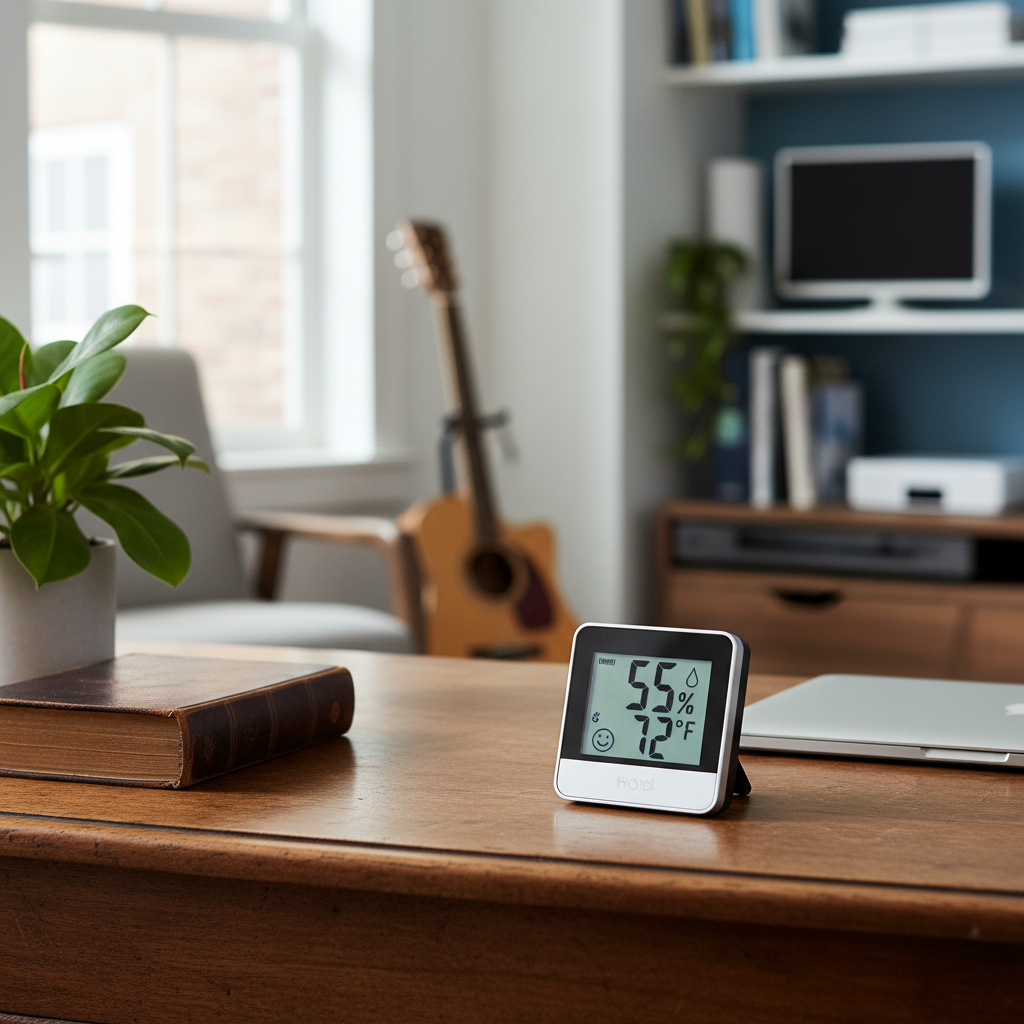
A digital hygrometer is an electronic device designed to measure the relative humidity (RH) in the air, essentially acting as a thermometer for moisture. Unlike traditional analog models, digital hygrometers utilize advanced electronic sensors that detect changes in electrical resistance or capacitance as they absorb or release moisture. These changes are then converted into precise numerical readings displayed on an LCD screen, often alongside temperature readings. This modern approach ensures greater accuracy and easier interpretation of data.
The importance of monitoring humidity cannot be overstated, as it profoundly affects human health, comfort, and the integrity of your property. Optimal indoor humidity levels typically fall within a comfortable range of 30% to 50% relative humidity. When humidity deviates from this ideal range, several problems can arise. Low humidity can lead to dry skin, irritated eyes, and respiratory issues, making individuals more susceptible to colds and allergies. Conversely, excessive humidity creates a breeding ground for mold and mildew, which can damage structures, fabrics, and electronics, while also exacerbating allergies and asthma. By providing real-time data, a digital hygrometer empowers you to take prompt action—whether that means using a humidifier to add moisture or a dehumidifier to remove it—to maintain a healthy and comfortable environment and protect your investments.
Popular Types of Digital Hygrometers
Digital hygrometers come in various designs and with different features, catering to diverse needs and preferences. While the core function remains the same, their form factors and connectivity options often define their suitability for specific applications.
Standalone/Desktop Digital Hygrometers
|
Our Picks for the Best Digital hygrometer in 2026
As an Amazon Associate I earn from qualifying purchases.
|
||
| Num | Product | Action |
|---|---|---|
| 1 | TempPro TP49 3 Pieces Digital Hygrometer Indoor Thermometer Humidity Meter Mini Hygrometer with Temperature and Humidity Monitor Outdoor and Room Thermometer Weather Station (Previously ThermoPro) |

|
| 2 | 6-Pack Mini Hygrometer Indoor Humidity Meter, Mini Digital Thermometer Humidity Gauge Meter, Indoor Thermometer Hygrometer Monitor Fahrenheit (℉) for Reptile Thermostat, Jars Reptile, Fridge |
|
| 3 | TempPro TP50 Digital Hygrometer Indoor Thermometer Room Thermometer and Humidity Gauge with Temperature Humidity Monitor(Previously ThermoPro) |
|
| 4 | Mini Hygrometer Thermometer Digital Humidity Meter Indoor/Outdoor Humidity Monitor Reptile Thermometer for Greenhouse Garden Cellar Fahrenheit(℉)/ Celsius(℃) 2 Pack |
|
| 5 | JEDEW 2 Pack Hygrometer Thermometer Digital Humidity Meter Indoor/Outdoor Humidity Monitor Reptile Thermo-Hygrometer for Greenhouse Humidors Terrarium Jars, Fahrenheit (℉) /Celsius(℃) (2) |
|
| 6 | TempPro TP49 Digital Hygrometer Indoor Thermometer Humidity Meter Room Thermometer with Temperature and Humidity Monitor Mini Hygrometer Outdoor Thermometer (Previously ThermoPro) |
|
| 7 | Humidity Meter Indoor Thermometer 6-Pack Mini Digital Thermometer Hygrometer Indoor Temperature Humidity Meters Gauge LCD Display Fahrenheit (℉) for Greenhouse, Reptile Tank, Cellar, Closet |
|
| 8 | Govee Bluetooth Hygrometer Thermometer, Large LCD, Max/Min Records, 2-Year Data Storage - Black, 2 Pack |
|
| 9 | TempPro TP50 2 Pieces Digital Hygrometer Indoor Thermometer Room Thermometer and Humidity Gauge with Temperature Humidity Monitor(Previously ThermoPro) |
|
| 10 | JEDEW 4 Pack Hygrometer Thermometer Digital Humidity Meter Indoor/Outdoor Humidity Monitor Reptile Thermo-Hygrometer for Greenhouse Humidors Terrarium Jars, Fahrenheit (℉) /Celsius(℃) (4) |
|
These are perhaps the most common type, designed for placement on a flat surface like a table, shelf, or desk. They typically feature large, easy-to-read LCD screens that display current humidity and temperature. Many models include additional functions such as minimum/maximum humidity and temperature records, comfort level indicators (e.g., “dry,” “comfort,” “wet”), and even clocks or calendars. Their main advantage lies in their simplicity, clear display, and portability within a single room, making them ideal for general household use. However, they lack remote monitoring capabilities, limiting their usefulness if you need to check conditions from another location.
Wall-Mounted Digital Hygrometers
Designed to be affixed to a wall, these hygrometers save space and offer convenient, at-a-glance monitoring in a fixed location. Some wall-mounted units may include remote sensors that can be placed in different areas (like a basement or outdoor shed), transmitting data back to the main display. These are excellent for monitoring specific rooms or zones consistently. While they offer a permanent monitoring solution, their primary display remains fixed, which might not be ideal for those who prefer to check readings on the go.
Smart/Wireless Digital Hygrometers
Representing the cutting edge of humidity monitoring, smart and wireless digital hygrometers offer advanced connectivity via Bluetooth or Wi-Fi. These devices typically integrate with smartphone apps, allowing for remote monitoring, data logging, and customized alerts. You can receive notifications if humidity or temperature levels fall outside your preset range, even when you’re away from home. Many smart hygrometers are compact and highly portable, essentially functioning as handheld devices that can be moved between rooms or placed in specific containers like humidors or plant terrariums. Their ability to track historical data and provide insights over time makes them invaluable for precise environmental control, although they generally come at a higher price point and require app setup.
Comparing Top Digital Hygrometer Models
Choosing the right digital hygrometer can feel daunting with the array of options available. To help simplify your decision, here’s a comparison of some popular models, highlighting their key attributes and ideal use cases. This table provides a general overview, as features and pricing can vary.
| Model Example | Price Range | Accuracy (RH) | Key Features | Ideal Use Case |
|---|---|---|---|---|
| ThermoPro TP49 | Budget | ±2-3% | Temp display, comfort indicator, compact | General home, basic monitoring |
| AcuRite 00613 | Budget/Mid | ±2-3% | Temp display, min/max records, versatile | Home, office, multiple rooms |
| ThermoPro TP55 | Mid-range | ±2-3% | Large touchscreen, backlight, min/max | Large rooms, easy visibility |
| Govee H5075 (Bluetooth) | Mid-range | ±3% | Bluetooth app, data logging, alerts | Remote monitoring (short range), plants |
| SensorPush HTP.xw | Premium | ±1% | Bluetooth app, high precision, data export | Humidors, instruments, labs |
| Govee H5051 (Wi-Fi) | Premium | ±2% | Wi-Fi app, remote access, alerts, history | Whole home, critical areas, long-range |
This table provides a snapshot, but always check the latest specifications and user reviews for the most up-to-date information.
Guide to Choosing the Right Digital Hygrometer (Buying Guide)
Selecting the perfect digital hygrometer involves understanding your needs and evaluating key features. With many options available, a thoughtful approach ensures you invest in a device that genuinely serves its purpose.
Assess Your Specific Needs
Before diving into features, consider where and how you intend to use the hygrometer. Are you looking to monitor the general comfort of your living room, or do you need precise control for a cigar humidor, a valuable instrument, or a greenhouse? The required accuracy and range of features will differ significantly. For instance, a basic model might suffice for a bedroom, but a smart hygrometer with data logging and alerts would be essential for a wine cellar or a sensitive electronic storage area. Consider if you need to track conditions in multiple rooms simultaneously, which might necessitate a system with multiple remote sensors.
Key Factors to Consider When Selecting a Hygrometer
- Accuracy and Response Time: Digital hygrometers typically boast an accuracy of ±2-3% RH, with some high-end models achieving ±1%. A quicker response time means faster updates to humidity changes. For most home uses, ±2-3% is sufficient, but for delicate items like cigars or musical instruments, higher precision is crucial.
- Measurement Range: Ensure the device can measure humidity and temperature within the expected range of your environment. Most standard models cover 10-99% RH and a wide temperature range.
- Display Readability: Look for a clear, large display with easily visible numbers. Backlighting is a significant plus for low-light conditions. Some models offer touchscreens for enhanced user experience.
- Connectivity (Smart Features): If remote monitoring and data tracking are priorities, opt for Bluetooth or Wi-Fi enabled models. Bluetooth offers shorter-range connectivity but is often simpler, while Wi-Fi provides true remote access from anywhere with internet. Features like data logging, customizable alerts, and historical graphs can be invaluable for understanding trends.
- Battery Life and Power Source: Digital hygrometers run on batteries, so good battery life (e.g., 12-18 months) is desirable for continuous operation. Some smart devices may have shorter battery lives due to constant data transmission.
- Calibration Capability: Even precise digital sensors can drift over time. A hygrometer that allows for user calibration ensures long-term accuracy. Check if it has a manual adjustment or a clear salt test procedure.
- Brand Reputation and User Reviews: Reputable brands often offer better build quality and customer support. Reading user reviews can provide real-world insights into a product’s performance and reliability.
Budgeting for Your Hygrometer
Digital hygrometers are available across a spectrum of price points:
- Budget-Friendly (Under $20): These often provide basic humidity and temperature readings with decent accuracy for general home use. They typically lack advanced features like backlighting or smart connectivity.
- Mid-Range ($20-$50): In this segment, you’ll find models with improved displays, min/max records, comfort indicators, and sometimes basic Bluetooth connectivity. They offer a good balance of features and value.
- Premium ($50+): These devices typically include Wi-Fi connectivity for remote monitoring, superior accuracy, extensive data logging, advanced alert systems, and sometimes multiple remote sensors. They are ideal for enthusiasts, professionals, or critical applications.
“Investing in a quality digital hygrometer is not just about comfort; it’s about proactive environmental management that protects your health and your assets. A small upfront cost can save you significant expenses down the line.” – Dr. Eleanor Vance, Environmental Health Specialist
How to Use and Maintain Your Digital Hygrometer
Maximizing the effectiveness and lifespan of your digital hygrometer involves understanding proper usage and routine maintenance. Even the most accurate device can give misleading readings if not used or cared for correctly.
Optimal Placement
The placement of your digital hygrometer is crucial for obtaining accurate readings that represent the true conditions of your space. Avoid placing the device in locations that can skew its measurements:
- Direct Sunlight or Near Heat Sources: Areas near windows, radiators, vents, or electronics can cause falsely high temperature and low humidity readings.
- Near Drafts or Restricted Airflow: Placing it directly in the path of an air conditioner, fan, or in a secluded corner behind furniture can lead to inaccurate data due to localized air pockets.
- High-Moisture Areas (Unless Designed For): While useful for monitoring, placing a standard hygrometer directly in a bathroom during a shower or in a continuously damp area can damage the sensor or give temporarily misleading spikes.
- Within an Enclosed Space (If Monitoring the Room): The device needs to be in an area with good air circulation to accurately reflect room conditions.
For general room monitoring, position the hygrometer in the center of the room or at a representative height (e.g., eye level) away from external influences. If monitoring specific items like cigars or instruments, place the hygrometer directly inside their enclosure, ensuring it’s not touching the humidification source.
Calibration Essentials
Over time, the electronic sensors in digital hygrometers can drift, leading to inaccuracies. Regular calibration is vital to ensure your device provides reliable data.
- Frequency: For typical home use, calibrating your hygrometer every 6 to 12 months is usually sufficient. In environments requiring high precision, such as greenhouses or laboratories, recalibration every 3 to 4 months is recommended. If you suspect unusual readings or your items are behaving unexpectedly (e.g., plants wilting despite normal readings), recalibrate immediately.
- The Salt Test Method: This is the most common and reliable DIY calibration method. Place your hygrometer along with a small bottle cap containing a saturated solution of table salt (a damp paste, not liquid) into a sealed, airtight bag or container. After 8 to 12 hours, a correctly calibrated hygrometer should read 75% RH. If it reads differently, note the offset. Some advanced hygrometers allow you to adjust the reading; for others, you’ll need to remember or label the offset (e.g., “+3%” or “-2%”) and manually adjust your interpretation of its readings. Avoid using too much water in the salt test, as it can dissolve the salt and prevent the stable 75% RH environment from forming.
General Maintenance
Simple habits can significantly extend your hygrometer’s life and accuracy:
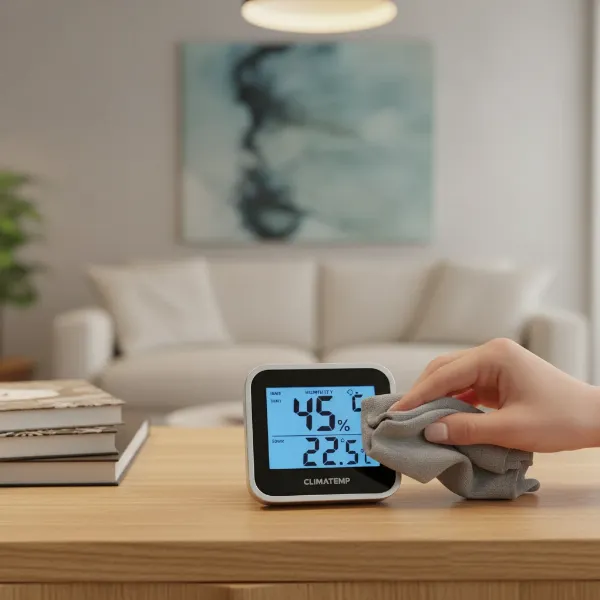
- Clean the Sensor: Dust and debris can accumulate on the sensor, impacting its performance. Gently clean the sensor area with a soft, dry cloth. Avoid abrasive materials or harsh chemicals.
- Check Battery Health: Low battery power can cause inaccurate readings or a malfunctioning display. Regularly check the battery indicator and replace batteries as needed, especially before calibration or critical monitoring periods.
- Avoid Extreme Conditions: Keep your hygrometer within its specified operating temperature and humidity ranges to prevent damage to the internal components.
Common Issues and Troubleshooting Your Digital Hygrometer
Even reliable digital hygrometers can occasionally encounter issues. Understanding common problems and their solutions can save you time and ensure continuous, accurate monitoring.
Inaccurate Readings
This is perhaps the most frustrating issue, as it undermines the very purpose of the device.
- Sensor Drift: All electronic sensors can drift over time dueading to slight inaccuracies.
- Solution: Perform a salt test calibration as described above. If your hygrometer has a calibration function, adjust it accordingly. If not, consistently apply the noted offset to your readings. Recalibrate regularly (e.g., every 6-12 months).
- Improper Placement: As discussed, direct sunlight, heat sources, and poor airflow can drastically affect readings.
- Solution: Relocate the hygrometer to a central, stable area away from direct environmental influences. Ensure good air circulation around the device.
- Low Battery: Insufficient power can lead to unstable or incorrect readings.
- Solution: Replace the batteries with fresh ones.
- Sensor Contamination: Dust, dirt, or moisture on the sensor can interfere with its ability to measure accurately.
- Solution: Gently clean the sensor with a soft, dry cloth.
Display Problems
Issues with the display can range from faded numbers to a completely blank screen.
- Faded or Incomplete Numbers:
- Solution: This is almost always an indicator of a low or dying battery. Replace the batteries immediately. If the problem persists with new batteries, the display might be physically damaged or require servicing.
- Blank Screen:
- Solution: First, check the batteries and ensure they are correctly inserted and charged. If new batteries don’t help, try performing a factory reset (refer to your device’s manual for instructions, as this can clear software glitches). If the issue continues, the device may have internal damage and require repair or replacement.
Connectivity Issues (for Smart/Wireless Hygrometers)
Modern hygrometers often offer Bluetooth or Wi-Fi connectivity, which can sometimes experience glitches.
- Device Not Connecting to App/Network:
- Solution: Ensure the hygrometer is within the effective range of your Bluetooth device or Wi-Fi router. Check if the hygrometer’s batteries are charged. Restart both the hygrometer and your smartphone/router. Ensure your app is up-to-date. If issues persist, try re-pairing the device with the app or re-connecting to your Wi-Fi network.
- Inconsistent Data Updates:
- Solution: This could be due to weak signal strength or intermittent network issues. Try moving the hygrometer closer to its receiver or router. Check for potential interference from other electronic devices.
For any persistent or complex issues, consulting the manufacturer’s troubleshooting guide or customer support is always recommended.
Conclusion
A digital hygrometer is far more than a simple gadget; it’s a vital tool for maintaining optimal indoor environmental conditions, directly impacting your health, comfort, and the preservation of your valuable possessions. By accurately monitoring relative humidity, these devices empower you to make informed decisions about managing your home’s climate. From protecting against respiratory discomfort and mold growth to safeguarding delicate items like wooden furniture and electronics, the benefits are clear. Choosing the right model involves considering your specific needs, evaluating key features like accuracy and connectivity, and budgeting accordingly. With proper placement, regular calibration, and basic maintenance, your digital hygrometer will serve as a reliable guardian of your indoor environment, proving unequivocally that it is a worthwhile investment.
Ready to take control of your indoor climate? What aspect of humidity control are you most eager to optimize in your space?
Frequently Asked Questions
How often should I calibrate my digital hygrometer?
For general home use, calibrating your digital hygrometer every 6 to 12 months is usually sufficient. However, for applications requiring higher precision, such as in humidors or greenhouses, calibrating every 3 to 4 months is recommended, or whenever you notice unusual readings.
What is the ideal humidity level for a home?
The optimal relative humidity level for most indoor environments is between 30% and 50%. This range promotes comfort, helps prevent health issues like dry skin and respiratory irritation, and protects your home and belongings from damage due to excessive dryness or moisture.
Can a digital hygrometer help prevent mold?
Yes, a digital hygrometer is an effective tool for mold prevention. Mold thrives in high humidity conditions (typically above 60%). By continuously monitoring humidity levels, a hygrometer allows you to identify and address excessive moisture before mold has a chance to grow, often by using a dehumidifier or improving ventilation.
Are more expensive digital hygrometers always more accurate?
Generally, higher-priced digital hygrometers tend to offer better accuracy (often ±1% RH compared to ±2-3% for budget models) and may include advanced features like Wi-Fi connectivity, extensive data logging, and better build quality. However, a well-calibrated mid-range hygrometer can still provide reliable accuracy for most home users.
Where is the best place to put a digital hygrometer?
For general room monitoring, place your hygrometer in a central location, away from direct sunlight, heating/cooling vents, windows, and sources of drafts or extreme temperatures. Ensure it has good air circulation around it to get an accurate representation of the room’s overall humidity.
Do digital hygrometers measure dew point?
While many basic digital hygrometers display relative humidity and temperature, some advanced models, particularly those with data logging capabilities, can also calculate and display the dew point. The dew point is a measure of the absolute moisture content in the air, and its inclusion can be a valuable feature for specific applications.