In an increasingly health-conscious and technologically advanced world, understanding and controlling your immediate environment has become paramount. You might be wondering, “Is a digital hygrometer worth it?” This question often arises for those looking to optimize their living conditions, protect valuable possessions, or manage specific health concerns exacerbated by improper humidity levels. A digital hygrometer is a device that accurately measures the amount of water vapor in the air, providing real-time data that can be crucial for various applications. This article will delve into what digital hygrometers are, why they are essential, popular types, a comparative overview, a comprehensive buying guide, and practical tips for use and maintenance, drawing insights from real user experiences to help you decide if this device is a worthy addition to your home or workspace.
What Is a Digital Hygrometer? Why Do You Need One?
A digital hygrometer is an electronic device designed to measure relative humidity (RH), which is the ratio of the current amount of water vapor in the air to the maximum amount that the air can hold at that temperature, expressed as a percentage. Unlike older, analog hygrometers that relied on mechanical components like hair or coils, digital versions use electronic sensors to provide more precise and often instantaneous readings. These sensors typically convert changes in electrical resistance or capacitance due to moisture absorption into a digital display.
The importance of monitoring humidity cannot be overstated, impacting both your well-being and the longevity of your belongings. For health, maintaining an ideal indoor humidity level (typically between 40-60%) can help prevent respiratory issues, dry skin, and allergies. Too high humidity fosters mold and mildew growth, dust mites, and bacteria, while excessively low humidity can lead to dry sinuses, static electricity, and damage to wooden furniture, musical instruments, and electronics. For example, many users rely on digital hygrometers to ensure their cigar humidors or guitar cases maintain specific humidity ranges, safeguarding investments worth hundreds or thousands of dollars. Understanding the exact humidity allows you to take corrective action, whether by using a humidifier to add moisture or a dehumidifier to remove it, thereby creating a healthier and more stable environment.
Popular Types of Digital Hygrometers
Digital hygrometers come in various forms, each suited for different needs and environments. The choice often depends on portability requirements, display preferences, and additional features.
Desktop Digital Hygrometer
|
Our Picks for the Best Digital hygrometer in 2026
As an Amazon Associate I earn from qualifying purchases.
|
||
| Num | Product | Action |
|---|---|---|
| 1 | TempPro TP49 Digital Hygrometer Indoor Thermometer Humidity Meter Room Thermometer with Temperature and Humidity Monitor Mini Hygrometer Outdoor Thermometer (Previously ThermoPro) |

|
| 2 | 6-Pack Mini Hygrometer Indoor Humidity Meter, Mini Digital Thermometer Humidity Gauge Meter, Indoor Thermometer Hygrometer Monitor Fahrenheit (℉) for Reptile Thermostat, Jars Reptile, Fridge |
|
| 3 | Mini Hygrometer Thermometer Digital Humidity Meter Indoor/Outdoor Humidity Monitor Reptile Thermometer for Greenhouse Garden Cellar Fahrenheit(℉)/ Celsius(℃) 2 Pack |
|
| 4 | JEDEW 2 Pack Hygrometer Thermometer Digital Humidity Meter Indoor/Outdoor Humidity Monitor Reptile Thermo-Hygrometer for Greenhouse Humidors Terrarium Jars, Fahrenheit (℉) /Celsius(℃) (2) |
|
| 5 | Humidity Meter Indoor Thermometer 6-Pack Mini Digital Thermometer Hygrometer Indoor Temperature Humidity Meters Gauge LCD Display Fahrenheit (℉) for Greenhouse, Reptile Tank, Cellar, Closet |
|
| 6 | TempPro TP49 3 Pieces Digital Hygrometer Indoor Thermometer Humidity Meter Mini Hygrometer with Temperature and Humidity Monitor Outdoor and Room Thermometer Weather Station (Previously ThermoPro) |
|
| 7 | Govee Bluetooth Hygrometer Thermometer, Large LCD, Max/Min Records, 2-Year Data Storage - Black, 2 Pack |
|
| 8 | TempPro TP50 2 Pieces Digital Hygrometer Indoor Thermometer Room Thermometer and Humidity Gauge with Temperature Humidity Monitor(Previously ThermoPro) |
|
| 9 | TempPro TP50 Digital Hygrometer Indoor Thermometer Room Thermometer and Humidity Gauge with Temperature Humidity Monitor(Previously ThermoPro) |
|
| 10 | JEDEW 4 Pack Hygrometer Thermometer Digital Humidity Meter Indoor/Outdoor Humidity Monitor Reptile Thermo-Hygrometer for Greenhouse Humidors Terrarium Jars, Fahrenheit (℉) /Celsius(℃) (4) |
|
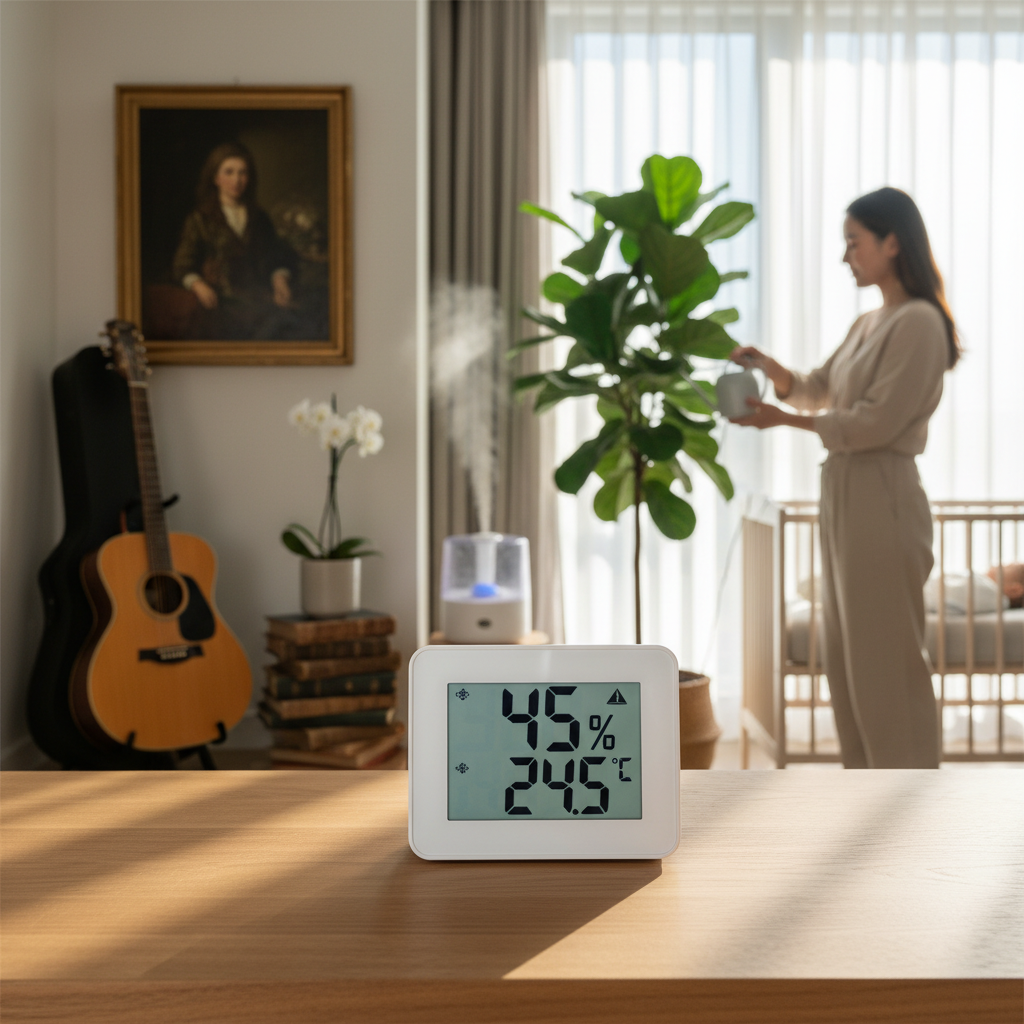
Desktop digital hygrometers are perhaps the most common type, designed to sit on a flat surface like a table, shelf, or desk. They typically feature large, easy-to-read displays that show both humidity and temperature, often with additional features like a clock, calendar, or comfort level indicator. Their primary advantage is stability and clear visibility, making them ideal for monitoring specific rooms or areas within a home or office. Users often praise their convenience for general household monitoring, frequently using them in nurseries, bedrooms, or living rooms. The main drawback is their limited portability; while they can be moved, they aren’t designed for constant relocation or highly confined spaces.
Wall-Mounted Digital Hygrometer
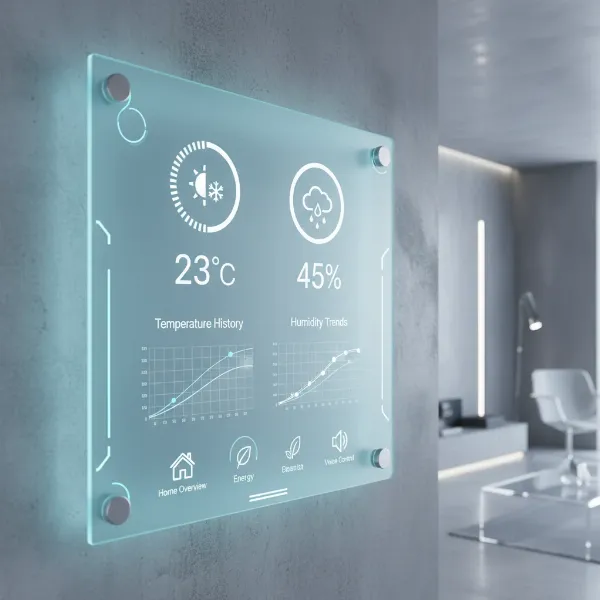
Wall-mounted digital hygrometers offer a space-saving solution, allowing you to easily view readings at eye level without occupying valuable surface area. These models often have a sleek design and can blend seamlessly into interior decor. Their key advantages include being out of the way and providing consistent readings for a fixed location. They are popular in larger rooms, greenhouses, or cellars where continuous monitoring of a specific zone is critical. However, their primary limitation is the need for a fixed position, meaning they are less flexible for spot-checking different areas. Once mounted, they are generally intended to stay put.
Handheld Digital Hygrometer
For those who require flexibility and portability, handheld digital hygrometers are an excellent choice. These compact devices are designed for easy carrying and quick spot-checks in multiple locations. Often used by professionals in HVAC, restoration, or construction, they are also beneficial for homeowners who want to assess humidity levels in various rooms, attics, basements, or even car interiors. Their main advantages are their mobility and versatility, allowing users to diagnose specific problem areas quickly. The trade-off often involves a smaller display and potentially fewer advanced features compared to larger desktop units. Many users appreciate the ability to diagnose localized issues that a stationary unit might miss.
[image-1|types-of-digital-hygrometers|An illustrative image showing the three main types of digital hygrometers: desktop, wall-mounted, and handheld, each in its typical environment.|
An illustrative image showing three distinct digital hygrometers: on the left, a sleek, modern desktop hygrometer with a large LCD screen sitting on a wooden table in a living room; in the center, a discreet, circular wall-mounted hygrometer affixed to a white wall in a nursery; on the right, a compact, ergonomic handheld hygrometer being held by a hand, pointing towards a storage box in a basement. The art style should be clean, modern, and easily distinguishable for each type.]
Comparison Table of Best Digital Hygrometers for Users
Choosing the best digital hygrometer can be challenging with so many options available. Here’s a comparative overview of popular features and general user sentiments to help you understand the landscape. This table reflects common features and user feedback points, rather than specific product endorsements.
| Feature/Metric | Brand A (e.g., AcuRite) | Brand B (e.g., Govee) | Brand C (e.g., ThermoPro) | Brand D (e.g., SensorPush) | Brand E (e.g., Ambient Weather) |
|---|---|---|---|---|---|
| Primary Use | General Home | Smart Home/Monitoring | Household/Small Spaces | Remote Monitoring/Logging | Weather Station Integration |
| Accuracy (RH) | ±2-3% | ±3% | ±2-3% | ±1-2% | ±2-4% |
| Temp. Accuracy | ±1-2°F | ±0.5°F | ±1-2°F | ±0.5°F | ±1-2°F |
| Connectivity | Basic/Wireless Sensor | Bluetooth/Wi-Fi | Basic/Wireless Sensor | Bluetooth (Long Range) | Wi-Fi/Proprietary RF |
| Display | Large LCD | Small LCD/App | Medium LCD | App Only | Large Console/App |
| Data Logging | Min/Max | App (Historical) | Min/Max | App (Extensive) | Console/App (Extensive) |
| Alerts | Visual/Audible | App Notifications | Visual/Audible | App Notifications | Customizable App/Console |
| Price Range | Mid-low | Low-Mid | Mid | Mid-High | High |
| User Feedback | “Reliable, easy to read.” | “Great for smart home integration, good app.” | “Good value, simple to use.” | “Excellent accuracy, amazing range.” | “Comprehensive data, professional.” |
Note: Accuracy percentages and price ranges are illustrative and vary by specific model and calibration.
How to Choose the Right Digital Hygrometer (Buying Guide)
Selecting the ideal digital hygrometer involves understanding your specific needs and evaluating key features. With many options available, a systematic approach ensures you pick a device that truly serves your purpose.
Determine Your Usage Needs
Before diving into specifications, consider why you need a hygrometer and where you plan to use it.
- Where will you measure humidity? Are you monitoring a single room, multiple rooms, a basement, a guitar case, or a humidor? For a single room, a desktop or wall-mounted unit suffices. For diverse locations or small enclosures, a handheld or a system with multiple wireless sensors might be better.
- What level of accuracy is required? For general comfort, ±3-5% RH accuracy is usually fine. However, for sensitive items like musical instruments, cigars, or scientific applications, an accuracy of ±1-2% RH is crucial.
- Do you need extra features? Some devices offer min/max records, trend indicators, dew point calculation, mold risk alerts, or even smart home integration. Determine if these added functionalities are essential for your application.
Key Factors to Consider When Buying
Once your needs are clear, evaluate these technical aspects:
- Accuracy and Resolution: This is perhaps the most critical factor. Look for hygrometers with a specified accuracy range (e.g., ±2% RH). Resolution refers to the smallest change the device can detect (e.g., 0.1% RH). Higher accuracy and finer resolution are generally preferable for critical applications.
- Measurement Range: Ensure the device can measure humidity and temperature within the expected range of your environment. Most consumer hygrometers cover 10-99% RH and a reasonable temperature range, but specialized units might exist for extreme conditions.
- Response Time: How quickly does the hygrometer react to changes in humidity? A faster response time (e.g., updates every 10 seconds) is beneficial for dynamic environments, while a slower one might be acceptable for stable room monitoring.
- Battery Life (for wireless/portable types): If you choose a wireless or handheld unit, consider its power source and battery longevity. Long battery life reduces maintenance and ensures continuous monitoring.
- Display and Readability: A clear, backlit display with large digits is vital for easy reading, especially in dimly lit areas or from a distance. Some models offer color-coded comfort levels.
- Brand Reputation and Reviews: Research reputable brands known for quality and reliability. User reviews can offer valuable insights into real-world performance, common issues, and customer support.
Budget
Digital hygrometers vary significantly in price, reflecting their features, accuracy, and brand.
- Entry-level (Under $15-20): These are basic, standalone units, often with ±3-5% RH accuracy, suitable for general room monitoring. They typically offer min/max readings.
- Mid-range ($20-50): This segment offers better accuracy (±2-3% RH), faster response times, and additional features like larger displays, backlighting, or simple wireless sensors for outdoor readings. Some may include basic smart features.
- High-end ($50+): These devices provide professional-grade accuracy (±1-2% RH), advanced data logging, extensive smart home integration, multiple remote sensors, and robust build quality, often targeting specific applications like environmental control or scientific use.
“Investing in a slightly more accurate hygrometer often pays dividends in peace of mind, especially when protecting delicate items or managing sensitive health conditions. Cheap units can provide misleading data, rendering them effectively useless.” – Dr. Eleanor Vance, Environmental Scientist specializing in indoor air quality.
[image-2|digital-hygrometer-buying-guide|A visually appealing graphic outlining key considerations when purchasing a digital hygrometer, with icons for each point.|
An infographic-style image illustrating a “Digital Hygrometer Buying Guide.” It features clean, modern icons and short text labels for key factors: “Accuracy & Resolution” (a tiny graph/meter), “Measurement Range” (a thermometer/humidity dial), “Response Time” (a stopwatch), “Battery Life” (a battery icon), “Display Readability” (an eye with a clear screen), and “Connectivity” (Bluetooth/Wi-Fi symbols). The overall aesthetic is clean, professional, and easy to understand.]
How to Use and Maintain Your Digital Hygrometer
Proper usage and regular maintenance can significantly extend the life and accuracy of your digital hygrometer.
To ensure accurate readings, place your hygrometer in a central location within the area you wish to monitor, away from direct sunlight, vents, windows, or doors, which can cause localized, inaccurate readings. Allow the device to acclimate to its environment for at least 30 minutes, or even a few hours, before trusting its readings, especially after moving it to a new location. For units with remote sensors, ensure the sensor is placed in the desired outdoor or secondary location and is protected from direct weather elements.
For long-term accuracy, it is advisable to calibrate your digital hygrometer annually, or if you suspect its readings are off. The “salt test” is a common and effective method:
- Preparation: Place about half a teaspoon of table salt into a small bottle cap.
- Moisten: Add just a few drops of water to the salt, enough to make it damp, but not dissolved. It should be a slushy consistency.
- Seal: Place the bottle cap with the salt mixture and your hygrometer inside a clear, airtight container or a large Ziploc bag.
- Wait: Seal the container and leave it undisturbed for at least 8 hours, or preferably 24 hours, at room temperature.
- Read: After 8-24 hours, the humidity inside the sealed container should stabilize at exactly 75% RH. Compare this to your hygrometer’s reading. If it’s off, note the difference. Most advanced digital hygrometers allow for manual calibration adjustment through buttons or an app. If not, you’ll know your device consistently reads higher or lower by a certain percentage.
Maintaining your device involves simple steps. Keep the hygrometer clean by wiping it with a soft, dry cloth. Avoid using harsh chemicals or abrasive materials, which can damage the sensors or display. Replace batteries promptly when indicated, as low battery power can sometimes affect accuracy. Store the device in a stable, room-temperature environment when not in use, especially away from extreme heat or cold.
Common Issues and How to Troubleshoot Them
Even with proper care, digital hygrometers can sometimes encounter issues. Here are common problems and their straightforward solutions:
- Inaccurate Readings (Consistently High/Low):
- Cause: Poor placement, lack of calibration, or sensor degradation.
- Fix: Relocate the device away from drafts, direct sun, or heat sources. Perform a salt calibration test (as described above). If the device is old and consistently inaccurate even after calibration attempts, the sensor might be degrading, suggesting it’s time for a replacement.
- No Display or Faint Display:
- Cause: Dead or low batteries.
- Fix: Replace the batteries with fresh ones, ensuring they are inserted correctly according to polarity (+/-). Check the battery contacts for corrosion; if present, gently clean them with a cotton swab and rubbing alcohol.
- Slow Response Time:
- Cause: This might be a characteristic of a lower-end model or a sensor becoming less efficient.
- Fix: Ensure the device is not covered or obstructed, which could impede airflow to the sensor. If it’s a new issue for a previously fast device, try a soft reset by removing batteries for a few minutes.
- Connectivity Issues (for Wireless/Smart Hygrometers):
- Cause: Interference, distance, or battery issues.
- Fix: Ensure the remote sensor is within the specified range of the main unit or hub. Check batteries in both units. Move the main unit or sensor away from large metal objects, thick walls, or other electronics that might cause interference. Re-pair the sensor if your model allows it.
- Humidity Stuck at Max/Min (e.g., 99% or 10%):
- Cause: Sensor saturation (exposure to extreme moisture) or a faulty sensor.
- Fix: If the device was exposed to very high humidity (e.g., direct water), allow it to dry out thoroughly in a stable environment for 24-48 hours. If it remains stuck, the sensor might be permanently damaged, and the unit may need replacing.
Conclusion
A digital hygrometer is undoubtedly a worthwhile investment for anyone serious about optimizing their indoor environment, safeguarding valuable possessions, or addressing health concerns related to humidity. User feedback consistently highlights the peace of mind and practical benefits derived from accurate humidity monitoring, from preventing mold growth and protecting wooden instruments to enhancing overall comfort. Whether you opt for a simple desktop model for general room monitoring, a wall-mounted unit for continuous observation, or a portable handheld device for versatile spot-checks, the ability to obtain precise, real-time humidity data empowers you to take informed action. By understanding the types available, considering key features like accuracy and connectivity, and committing to proper usage and maintenance, you can select a digital hygrometer that seamlessly integrates into your life and delivers tangible value. What specific area of your home could benefit most from a digital hygrometer’s watchful eye?
Frequently Asked Questions
What is the ideal indoor humidity level for health and comfort?
The ideal indoor humidity level for both human health and comfort, as well as for protecting most household items, generally falls between 40% and 60% relative humidity. Levels outside this range can lead to various issues, from respiratory problems to damage to wooden furniture.
How often should I check my digital hygrometer?
For general home monitoring, checking your digital hygrometer once or twice a day is usually sufficient. However, if you are monitoring sensitive items like musical instruments or cigars, or if you are trying to regulate humidity during extreme weather, more frequent checks or even continuous monitoring with data logging features might be beneficial.
Can a digital hygrometer help with allergies or asthma?
Yes, a digital hygrometer can be a valuable tool for managing allergies and asthma. By monitoring and maintaining optimal humidity levels (typically 40-50%), you can reduce the growth of common allergens like dust mites and mold, which thrive in high humidity, and prevent dry air that can irritate respiratory passages.
Is there a difference between a hygrometer and a thermometer?
Yes, a hygrometer measures humidity (the amount of moisture in the air), while a thermometer measures temperature. Many digital hygrometers are combined units, often called thermo-hygrometers, which display both temperature and humidity readings simultaneously, offering a more complete picture of your indoor climate.
Do digital hygrometers need to be calibrated?
While many digital hygrometers come pre-calibrated from the factory, their accuracy can drift over time. It’s recommended to check their calibration annually, or if you suspect inaccurate readings, using a simple salt test. Some high-end models offer direct calibration adjustments.